AI image generator with the best image models
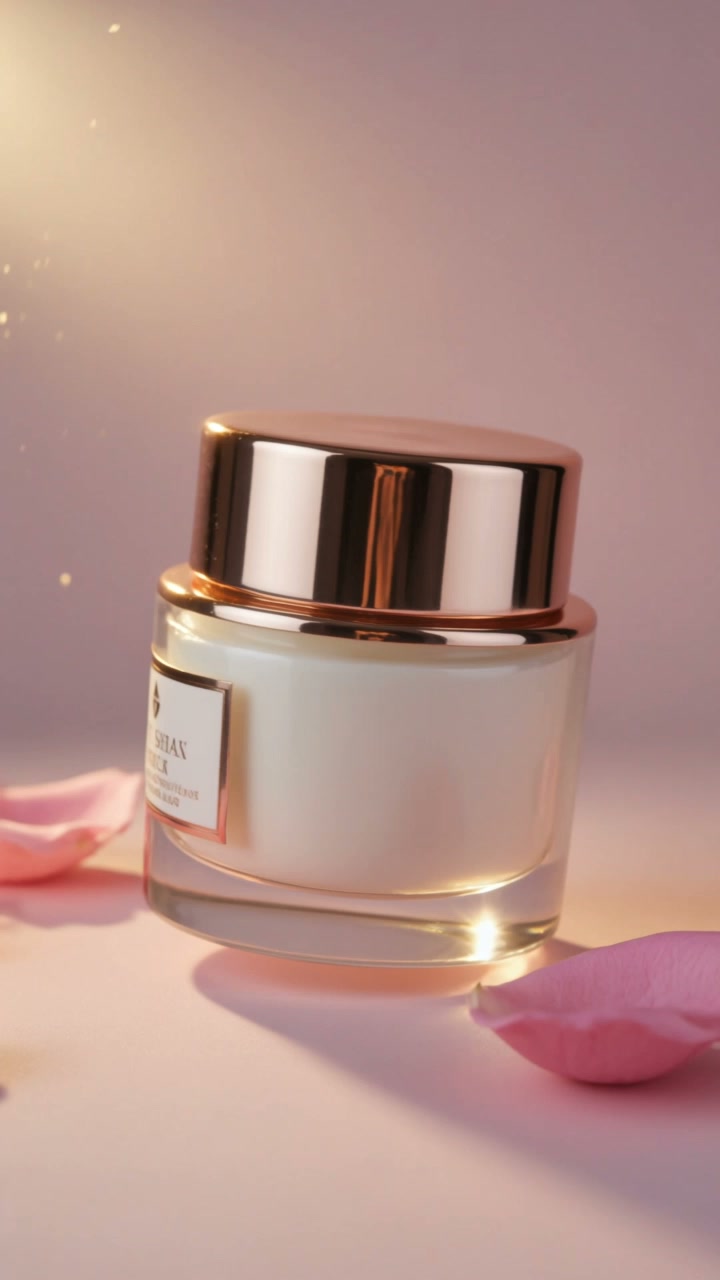
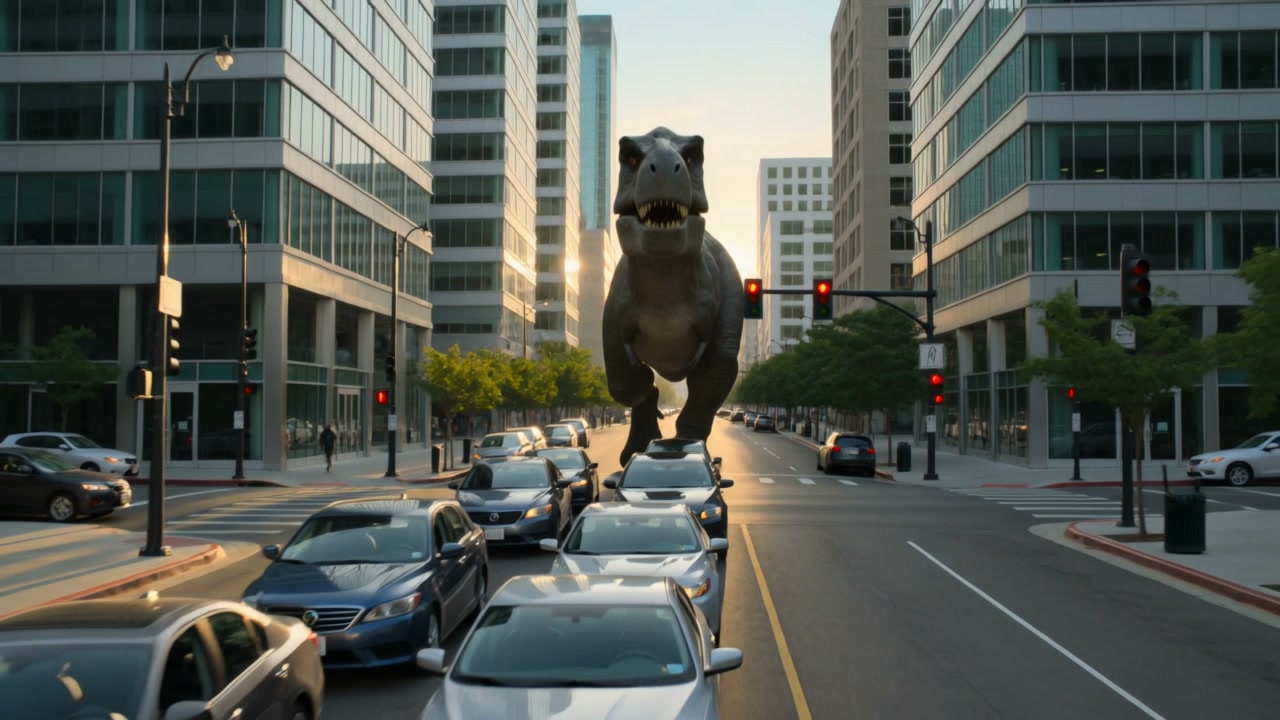
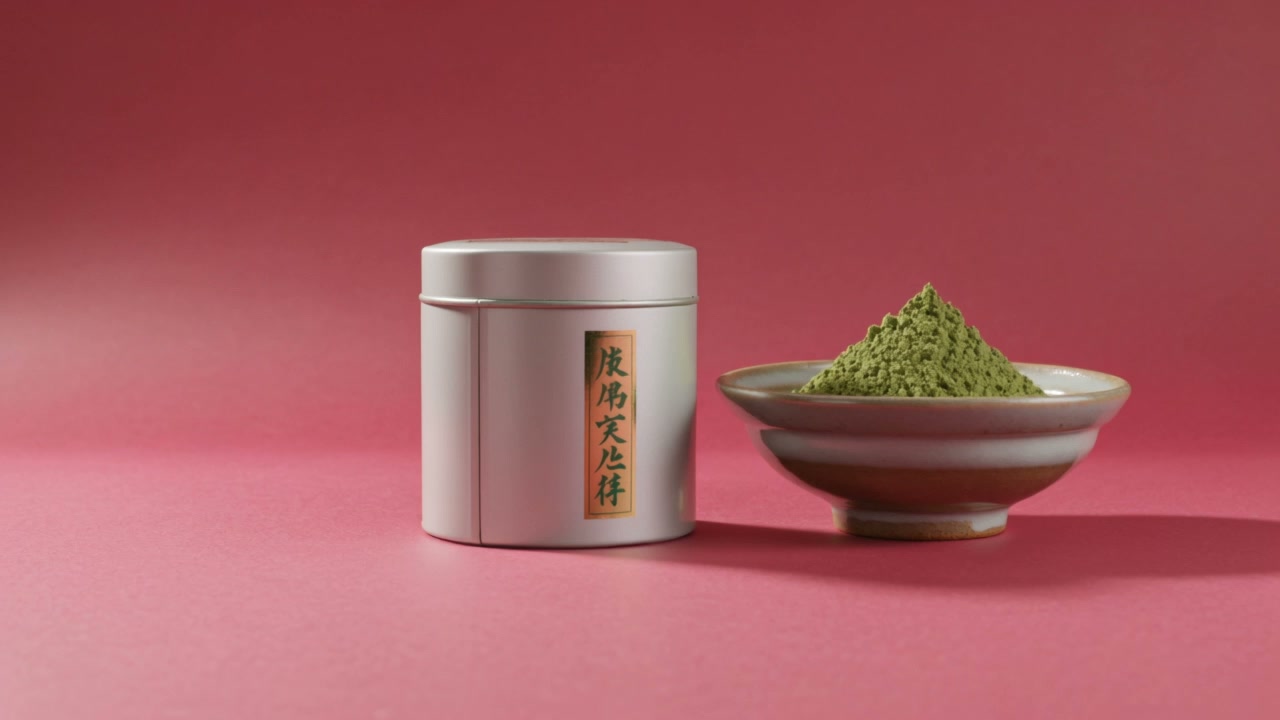
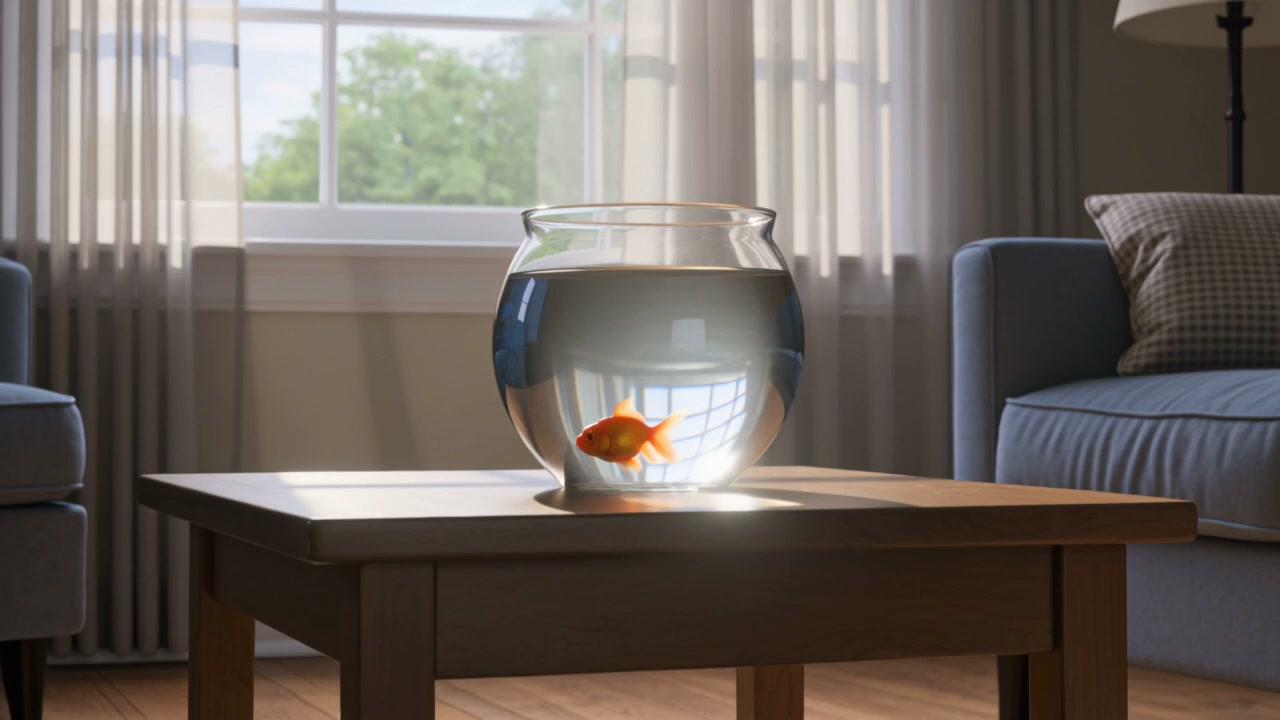
Type a prompt and pick a model: Google Nano Banana Pro and Nano Banana 2, Black Forest Labs FLUX.3, ByteDance Seedream 5.0 or Recraft V4.1. Get several variations, keep the best, edit it with an instruction — and turn it into a video on the same canvas when you are ready.

How it works
- 1
Write a prompt
Describe the subject, the setting, the light and the style. Add text in quotes for posters and thumbnails.
- 2
Choose a model
Nano Banana Pro for quality and text, FLUX.3 for photorealism, Recraft for design, FLUX.2 Dev for cheap drafts.
- 3
Pick your favourite
Generate up to four variations, compare them and keep the one you like.
- 4
Edit or animate
Change it with an instruction (“make it night”), or connect it to a video model to bring it to life.
AI image models and prices
All on the same credits. Credit packs start at $5 for 100 credits, and new accounts get 35 free. Compare every model →
| Model | Price |
|---|---|
| FLUX.2 DevBlack Forest LabsFast drafts, lots of variations | 2 credits / image |
| Seedream 5.0 FlashByteDanceFast, low-cost iterations | 3 credits / image |
| Recraft V4.1RecraftDesign-led, accurate text | 4 credits / image |
| Nano Banana 2GoogleMultilingual text, consistent characters | 5 credits / image |
| Seedream 5.0 ProByteDanceComplex prompts, text in 10+ languages | 5 credits / image |
| FLUX.3Black Forest LabsPhotorealism, sharp text and detail | 5 credits / image |
| Recraft V4.1 ProRecraft2K, design-grade | 9 credits / image |
| Nano Banana ProGoogleHighest quality, accurate text | 11 credits / image |
Eight image models, one prompt box
Every model has a strength. Nano Banana Pro gets text and detail right; Nano Banana 2 handles text in many languages and keeps up to five characters consistent; FLUX.3 is built for photorealism; Seedream 5.0 Pro reasons about complex prompts; Recraft V4.1 is made for design and branding; FLUX.2 Dev is the fastest and cheapest. Switch the model in one click and run the same prompt again to compare.
Edit with words, not layers
Connect an image to an Edit Image box and describe the change: a new background, a different outfit, another camera angle. Reference photos — a face, a product, clothes — go along with every edit, so the same person or product stays the same across a whole set of images.
From image to video
Any image you make can be the first frame of a video. Connect it to an Animate Image box, choose Veo 3.1, Seedance 2.0 or another video model, and describe the motion. It is the most reliable way to keep a look or a character consistent across a video.
What people make with it
- YouTube thumbnails and social posts
- Product photos and ad creatives
- Consistent characters and AI influencer photo sets
- Storyboards and keyframes for video
- Posters, banners and illustrations with readable text
Frequently asked questions
Is this AI image generator free?
You can start free: new accounts get 35 credits with no credit card. An image costs from 2 credits (FLUX.2 Dev) to 11 credits (Nano Banana Pro), so that is up to about 17 images.
Which AI image model should I use?
Nano Banana Pro for the best quality and text, FLUX.3 for photorealism, Seedream 5.0 Pro for complex scenes and non-English text, Recraft V4.1 for design and branding, and FLUX.2 Dev to explore ideas cheaply.
Can the AI put text in images?
Yes. Put the words in quotes in your prompt. Nano Banana Pro, Nano Banana 2, Seedream 5.0, FLUX.3 and Recraft V4.1 all render text accurately.
Can I keep the same character in different images?
Yes. Generate the character once, then use Edit Image with that picture as the reference to place the same person in new scenes, outfits and poses.
Can I use the images commercially?
Yes, you can use the images you generate commercially, as set out in our Terms.
Try it free
35 free credits when you sign up. No credit card required.