Creating AI videos is easy.
Telling stories with them isn't.
AI can generate stunning clips — but building a coherent, multi-shot visual story still takes hours of manual work. Here's why, and how Visuall changes that.
Visual Consistency
Every shot shares a unified style prompt — same characters, same palette, same world. No more fighting to keep scenes looking cohesive.
No Duration Limits
Automatic clip chaining creates videos beyond single-model limits — no manual editing or stitching needed.
Full Creative Control
3D camera controls, shot-level text editing, inpainting, and per-frame regeneration. Direct every detail of your video.
From story to video in minutes
Paste your story — our AI analyzes the narrative, identifies pivotal moments, and generates a visually consistent, production-ready video. No prompt engineering needed.
Story Analysis
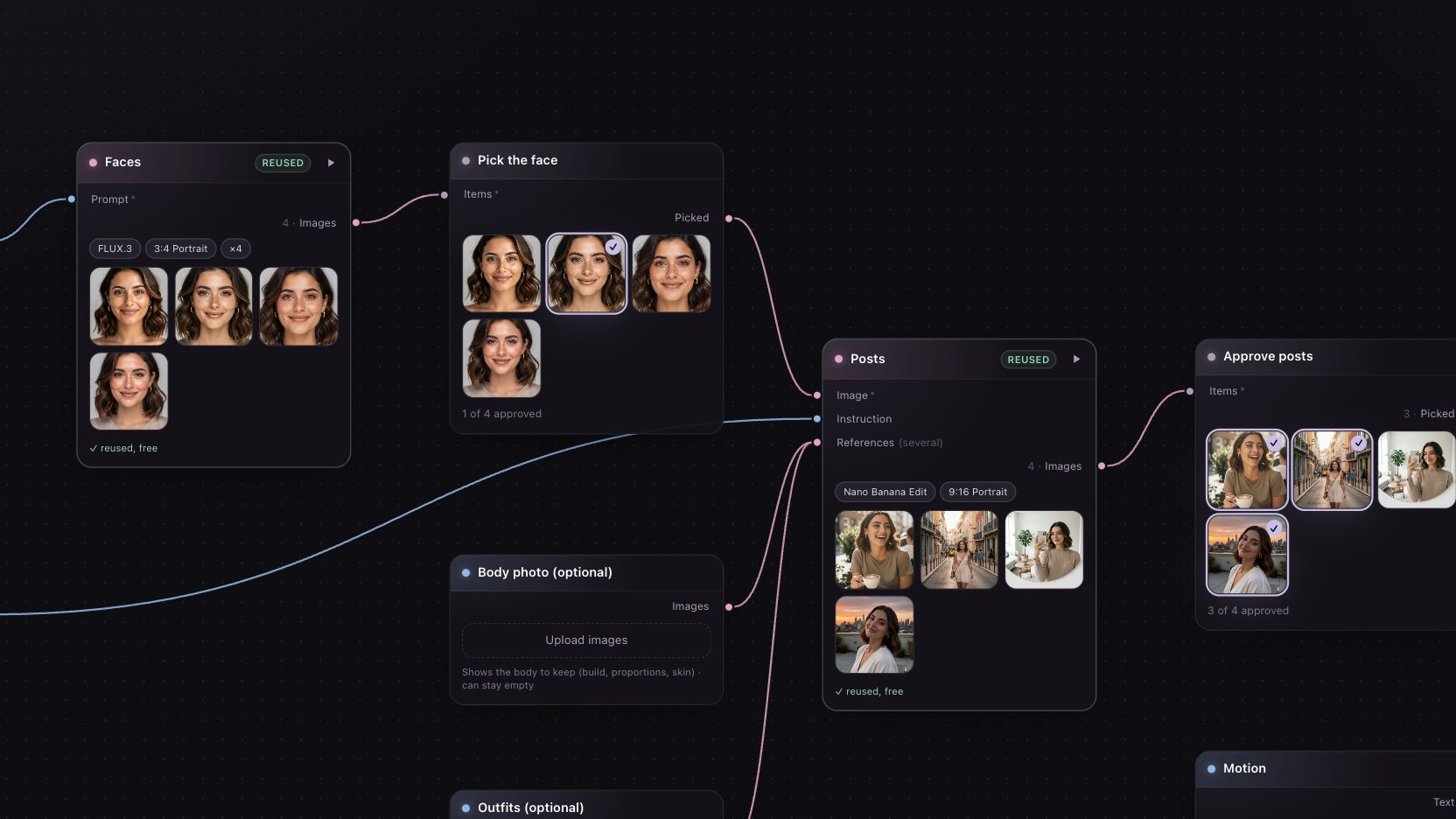
Your narrative is parsed into scenes. Visuall AI identifies key moments, supporting shots, and emotional beats — then assigns shot types and composes optimized prompts for each frame.
Image Generation
Each shot is generated with visual consistency. Choose from multiple AI models (FLUX.1, Imagen 4, Recraft V4, Nano Banana) and art styles — Cinematic, Anime, Oil Painting, Photorealistic, and more. You can edit any individual shot.
Video Animation
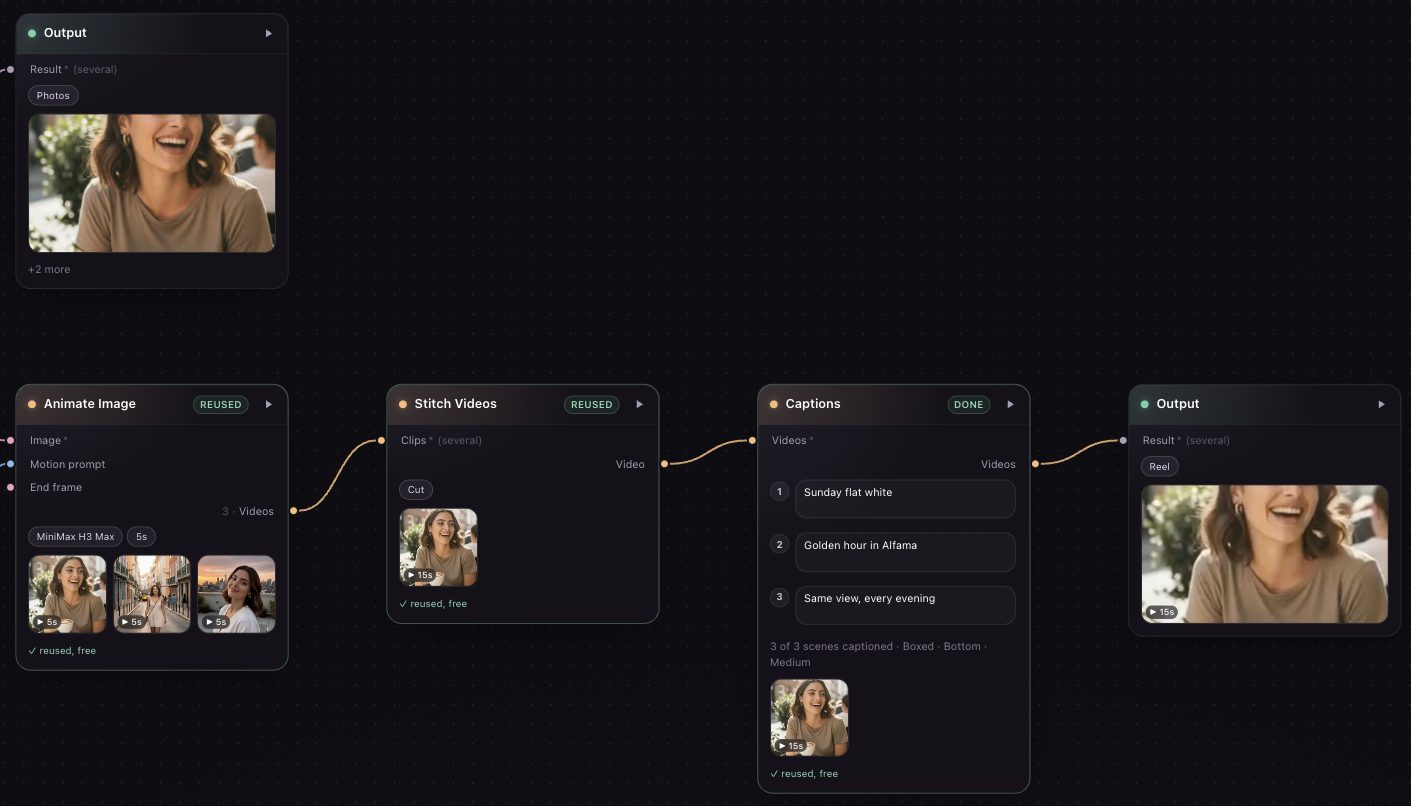
Shots are animated into video clips using Kling 3.0 or Kling 2.6 models. Not limited by AI model max. duration. Create videos of longer length!
Your storyboard, your rules
Build your story shot by shot — or let AI plan the shots from your narrative. Full creative control over every frame, camera angle, and edit.
Automatic Shot Planning
Start from a narrative and let AI decompose it into individual shots with optimized prompts — just like AI Director mode. Then take manual control: rearrange, edit prompts, adjust camera angles, or regenerate any frame.


Shot-Level Editing
Don't like a shot? Describe what to change in plain text — "make the sky darker", "add rain", "change the lighting to warm sunset". The AI regenerates just that shot while keeping the rest of your storyboard intact.


3D Camera Angle Controls
Choose camera position (front, side, back, quarter views), elevation (high angle, eye level, low angle), and distance (close-up, medium, wide). The AI re-renders the shot from the new perspective.
AI Video Animation
Animate any shot or your entire storyboard with one click. Choose between Kling 3.0 (5s) and Kling 2.6 (5s/10s) video models. The system processes each shot independently and respects your active selection.
Powered by state-of-the-art models
Image Generation
- FLUX.1 Dev & FLUX 2
- FLUX 2 Pro
- Google Imagen 4
- Recraft V4 Pro
- Nano Banana (fast)
Video Animation
- Kling 3.0 Standard (5s)
- Kling 2.6 Pro (5s / 10s)
- Image-to-video pipeline
- Automatic clip chaining
Editing & Control
- Qwen multi-angle re-render
- Text-guided shot editing
- Inpainting support
- Style-locked generation
Ready to try it?
No credit card required. Start creating in minutes.