AI video upscaler: any clip to 1080p or 4K
The video models make 720p or 768p clips. The Upscale Video box sharpens them to Full HD or 4K with Topaz, keeping the motion and the sound, as one more box on the canvas after any clip or after Stitch Videos. Below, the same frame of a Veo 3.1 Fast clip at 720p and after its 4K upscale.
720p and its 4K upscale, the same frame
The same frame from a 4-second Veo 3.1 Fast clip, before and after the Upscale Video box set to 4K, made on one Visuall canvas. The crops are the glass at the same spot: 320 pixels of the 720p frame against 960 pixels of the 4K one.
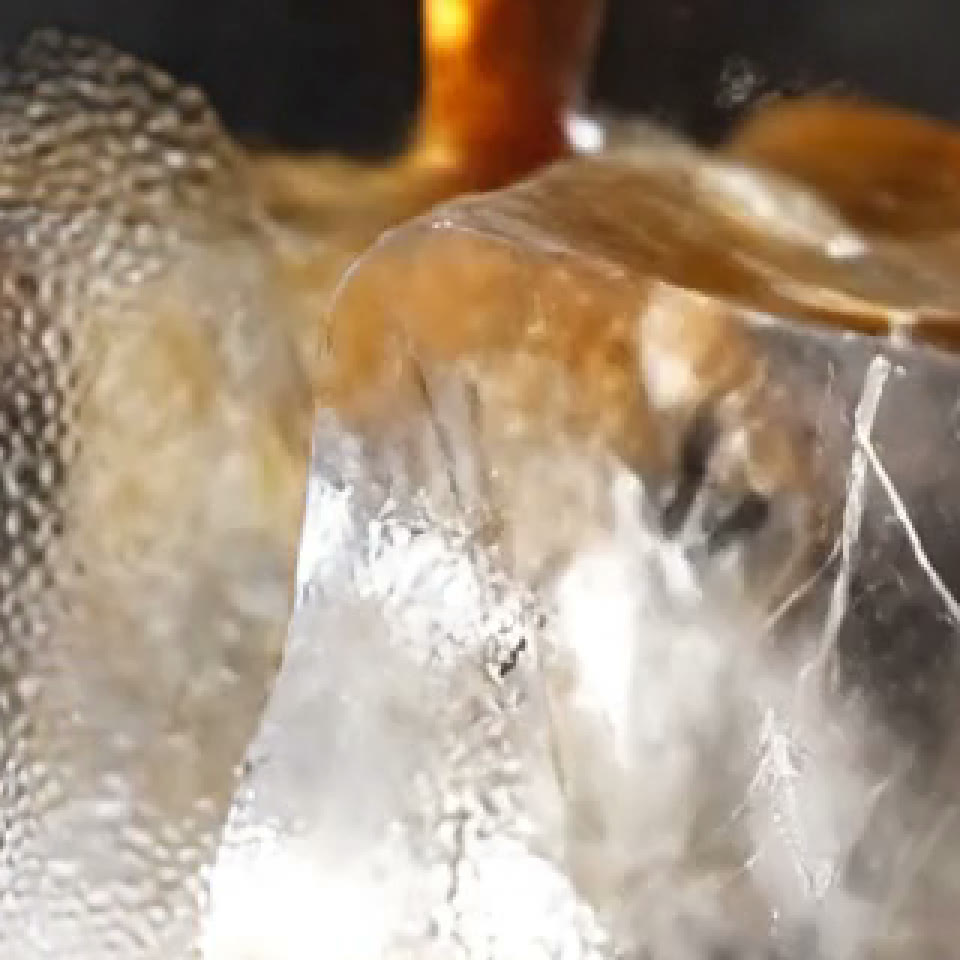
The 720p clip, cropped
A 320 px crop, shown 3× larger
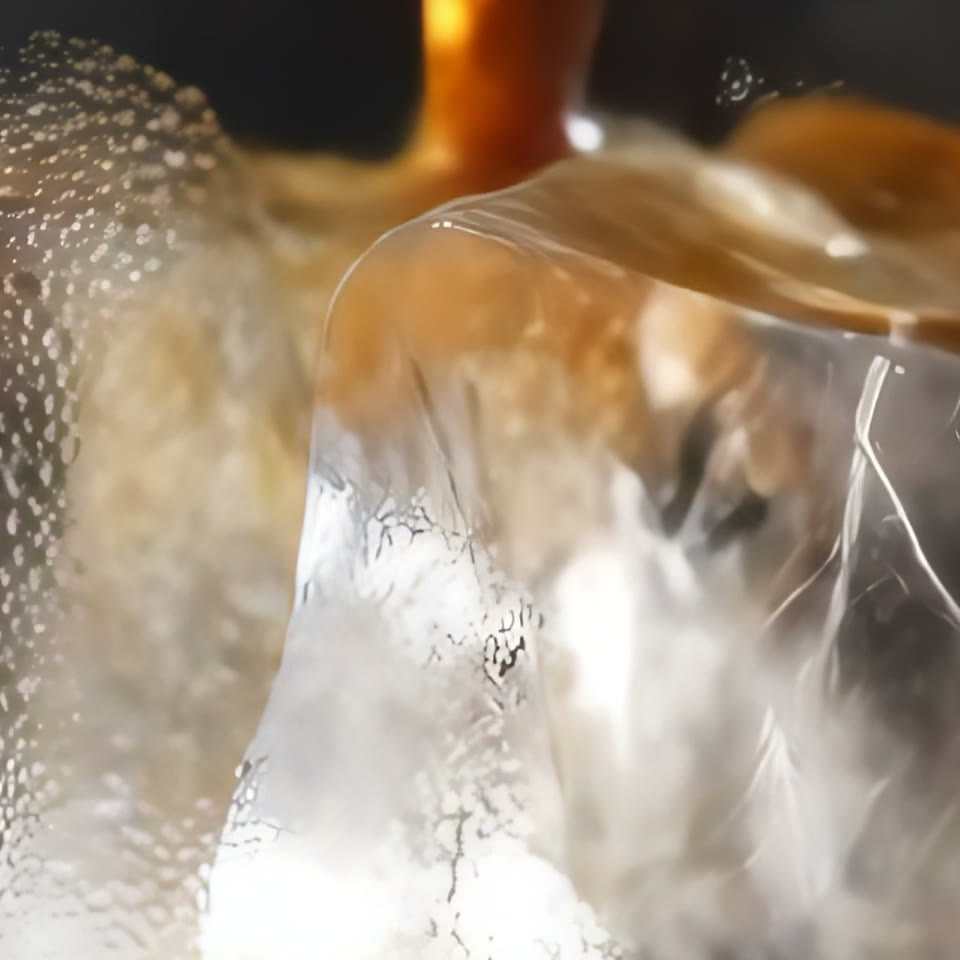
The 4K upscale, same crop
The same spot, 960 px of the 4K frame
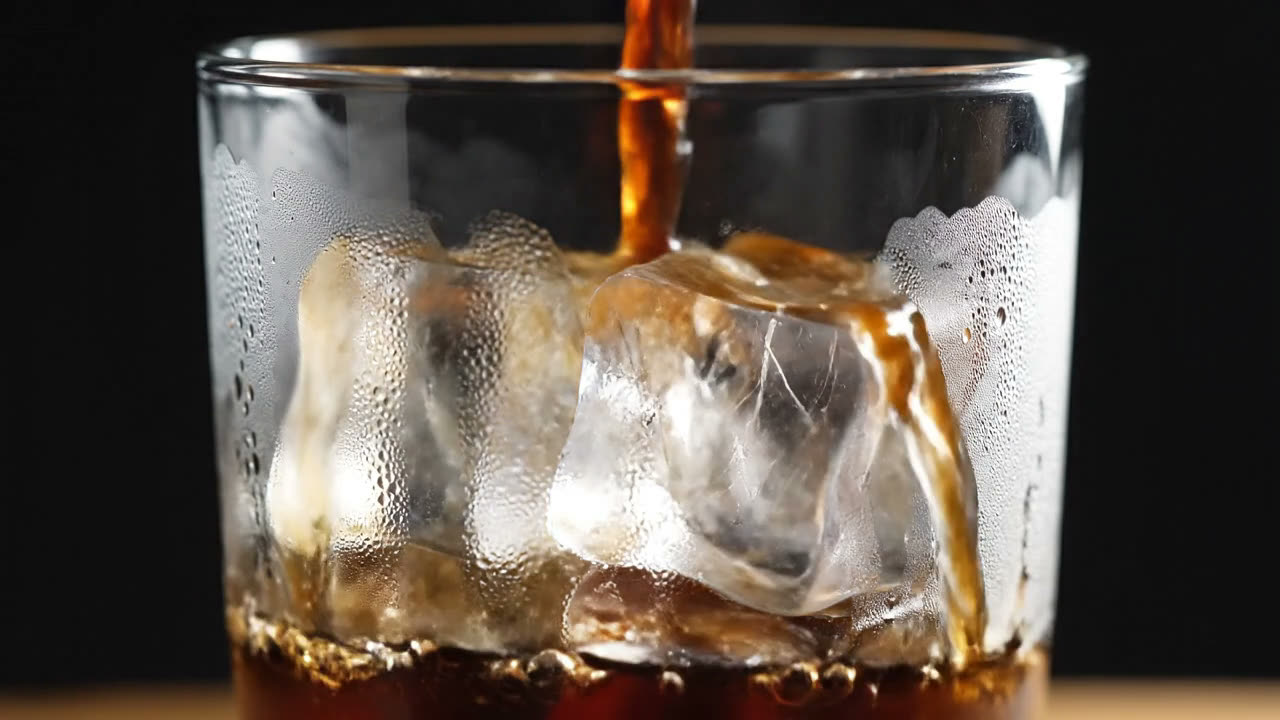
The 720p frame · Veo 3.1 Fast
“Cold brew coffee is poured over ice in glossy close-up, condensation on the glass, studio light, the ice cracks and the coffee swirls”
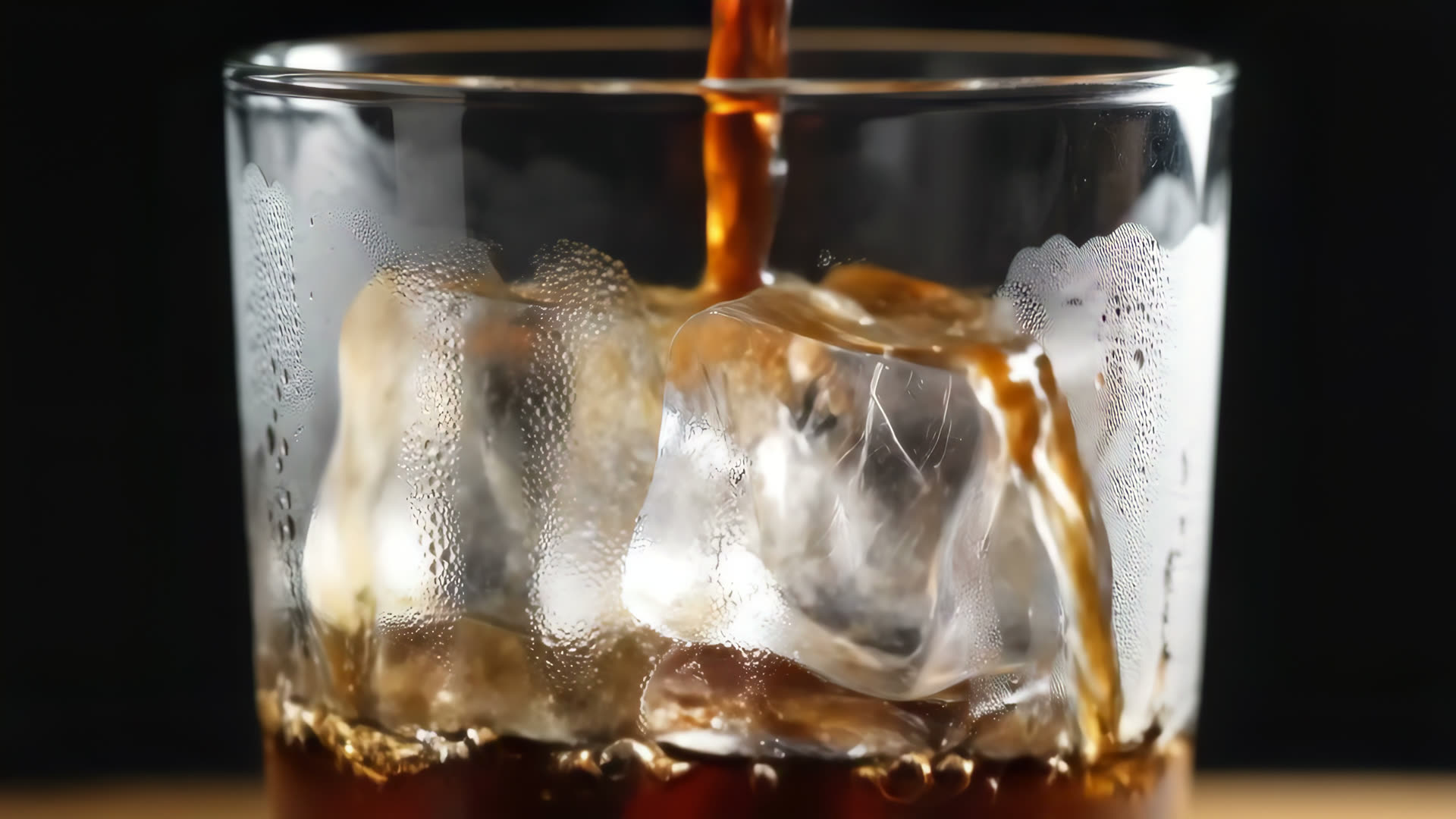
The 4K frame · Upscale Video
Shown at 1920 px wide here; the clip is 3840 × 2160
More in the gallery.
How it works
- 1
Make or upload the clip
Any video box, or a Video box with a clip you made before.
- 2
Add Upscale Video
Connect the clip to an Upscale Video box and choose 1080p or 4K.
- 3
Run
The price shows before you run. The clip itself is reused free; only the upscale is charged.
- 4
Download
An MP4 at 1080p or 2160p, with the clip's sound kept.
What it costs
The Upscale Video box is priced by the length of the clip, like the video models: a 4-second clip to 4K cost 21 credits in the example above, and 1080p costs about a quarter of that. A clip that is already as sharp as the target passes through for free. Upscale Video and Upscale Image are part of the Creator and Pro plans.
When to upscale
- A film for a screen or a client: stitch the clips first, then upscale the whole film once.
- Vertical ads for phones rarely need 4K; 1080p is the better value.
- Upscale images too: Upscale Image takes a picture to 2× or 4K (3840 px) with the same box logic.
Frequently asked questions
Can AI upscale a video to 4K?
Yes. On Visuall the Upscale Video box runs Topaz on the clip and returns it at 1080p or 4K (2160p), with its motion and sound kept. It is one box on the canvas, after any clip or after Stitch Videos.
Does upscaling change the video?
It adds detail where the 720p frame was soft (edges, texture, text) and keeps the motion and the sound. It cannot invent what the model never drew, so upscale the clip you already like.
Is the video upscaler free?
Upscale Video and Upscale Image are for the Creator and Pro plans, and each run is priced by the clip's length. Making the clip is open to everyone, and new accounts get 35 free credits for that.
Can I upscale a video I made elsewhere?
Yes. Put it in a Video box, connect it to Upscale Video and run. MP4, MOV and WebM up to 200 MB.
Try it free
35 free credits when you sign up. No credit card required.