Best AI Video Generators for YouTube Shorts: 5 Picks
A Short can look polished and still fall apart when its main character changes between shots. The best AI video generator for YouTube Shorts depends on the work you need done, so here are five picks for scene control, quick product demos, and fast editing.
Table of Contents
- Visuall AI
- Runway
- Kapwing
- PhotoGPT
- InVideo AI
- How to plan a YouTube Short with AI, shot by shot
- What YouTube expects from AI-made Shorts
- Compare the five AI video generators for YouTube Shorts
- FAQ
- Conclusion
1. Visuall AI
Visuall AI is a self-serve video and image platform built around a visual workflow canvas. It’s the strongest fit here for campaign Shorts when you want to plan scenes, keep a character steady, and control which frames become clips.
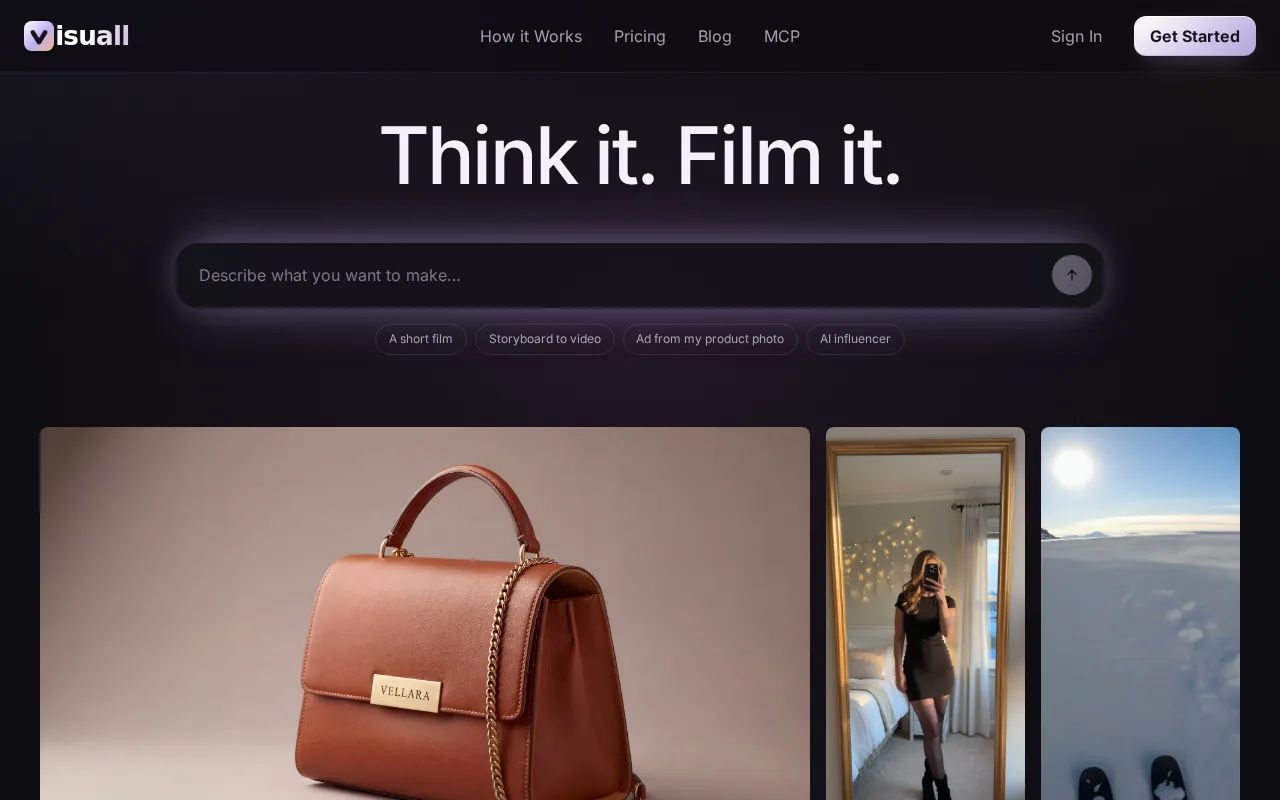
Each video is laid out as visible steps: your story, an AI scene plan, and a model for each shot. You can approve keyframes before animation begins. If one frame needs work, rerun that part while the approved shots stay as they are, at no extra cost. That gives you a clear way to fix a product shot or character without starting the whole Short over.
For a product-to-video ad, describe the campaign, review the planned scenes, then approve the frames that match your brief. The canvas shows each step and its cost before you run it. Credits pay for each box you run, and the site describes monthly plans alongside one-time credit packs that never expire. The Shorts creation workflow is a useful place to see how that scene-by-scene approach fits vertical video.
Visuall AI is also a good match when your team needs to compare models by shot. You can change the model or prompt for one scene, then leave approved work alone. If you use AI tools through other assistants, the Visuall MCP server for Claude, ChatGPT, and Gemini is another workflow to consider.
It takes more planning than asking a tool for one finished clip. That trade makes sense for a recurring campaign where the same character or product needs to feel like part of one visual world.
2. Runway
Runway is best for filmmakers, visual artists, and creators who want cinematic AI video generation. It suits Shorts built around a few carefully made shots rather than a full script-to-publish workflow.
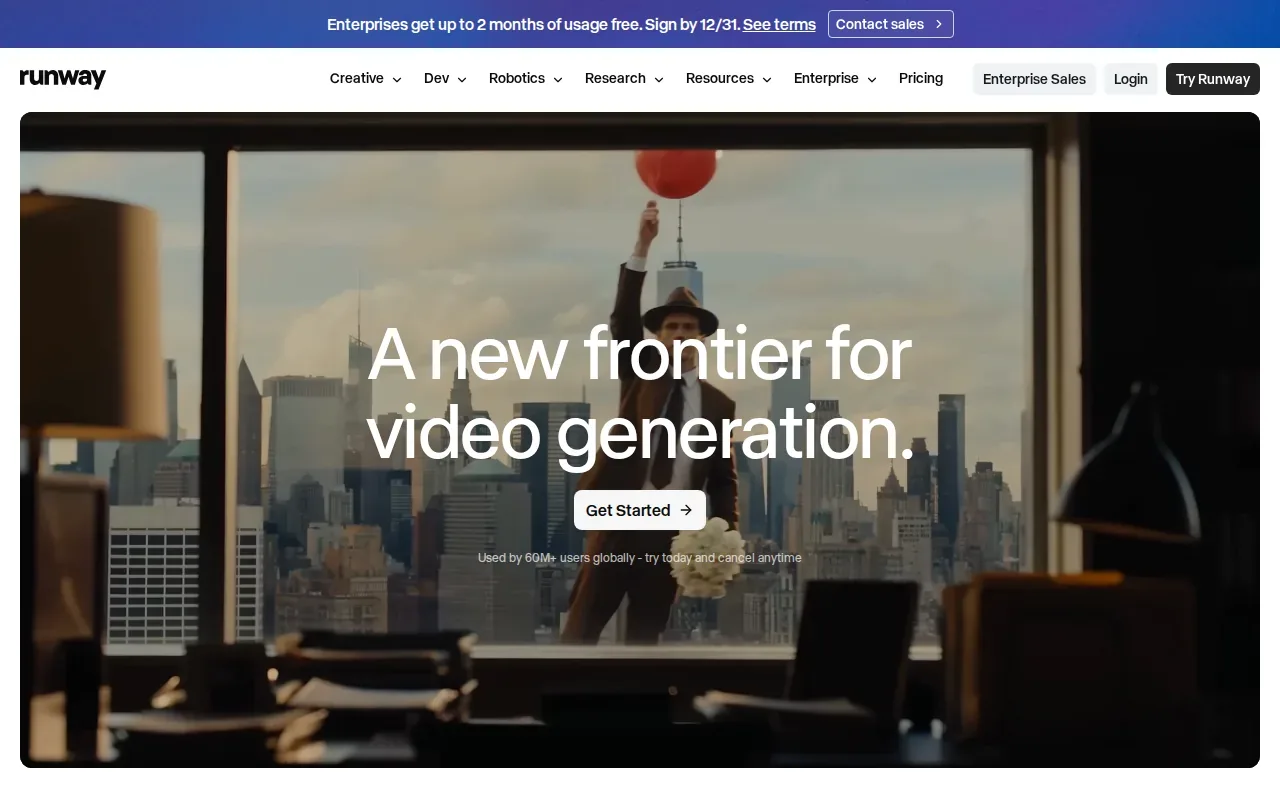
Its workflow includes image-to-video generation, motion realism, and camera control. That gives you room to start with a still frame and guide how the shot moves. Runway also has experimental tools for standalone clips, which can help when one visual moment matters more than fast assembly.
Character consistency is one reason to put Runway on a shortlist for branded Shorts. It can hold characters and objects steady within a shot. That is useful when you want a familiar person or product to remain visually stable during a single scene. It doesn’t mean every generated shot will match automatically, so review each clip before you build around it.
A simple workflow is to draft a short shot list, generate the key image for each scene, then animate only the frames you plan to use. Keep camera direction clear in your prompt. A slow push-in and a fixed eye-level view ask for different results, even when the subject stays the same.
Runway’s Aleph 2.0 edit tools add another option for working on existing material. Pick it when the Short depends on a strong visual or a controlled camera move. Plan for assembly and captions as separate tasks if your finished video needs them.
3. Kapwing
Kapwing is a browser-based editor for remote teams, agencies, and marketers. It’s a strong choice when the job is to turn existing footage or a prompt into a vertical Short, then review and publish it with other people.
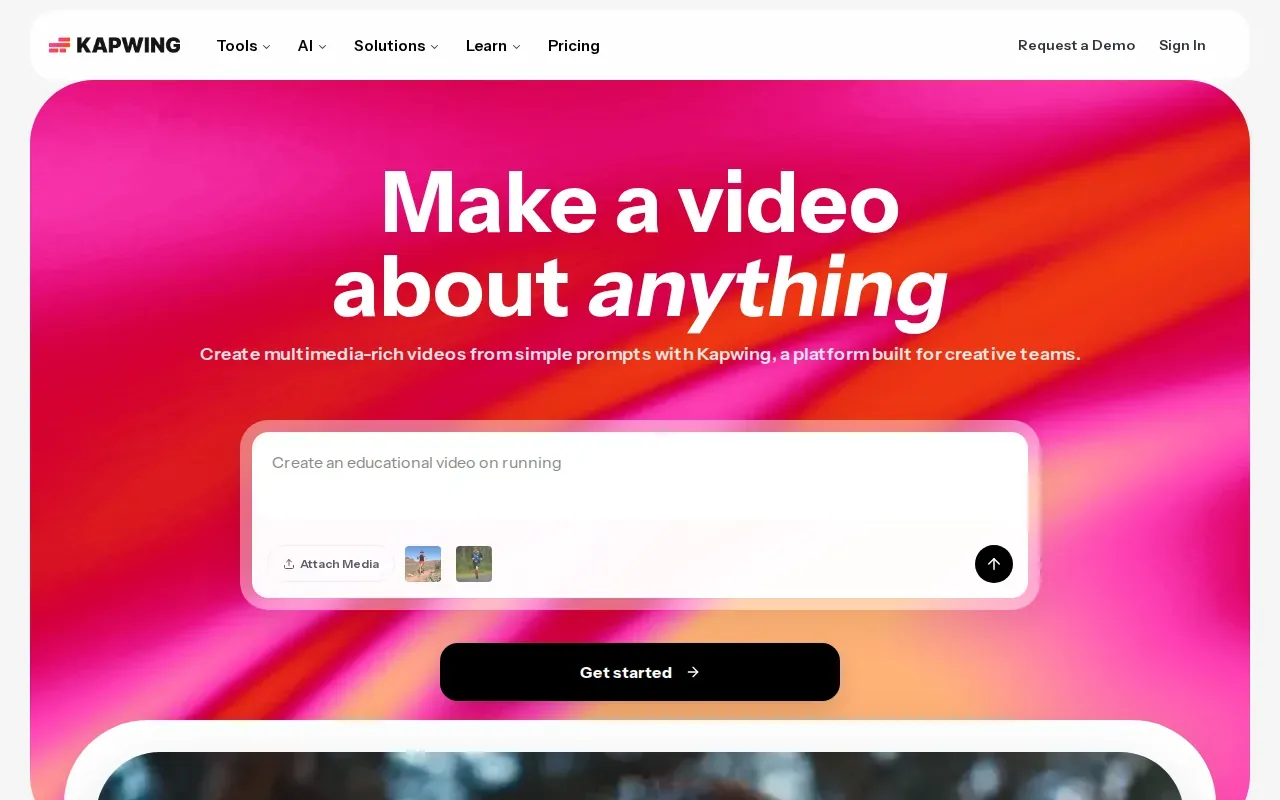
You can bring in a longer video and ask Kapwing to find useful moments. It can reframe clips to 9:16 while keeping the speaker in frame, then let you review and adjust each cut. For a new Short, a prompt can produce a draft with a script, voiceover, visuals, and subtitles. You can continue editing instead of treating the first output as final.
Collaboration is part of the workflow. Teams can share projects, comment in real time, and approve edits. A shared style guide can help keep visual choices consistent across a campaign. Those tools help when several people need to make a run of Shorts feel like one campaign.
Kapwing also supports direct YouTube publishing. Add a title, description, and tags, then publish from the browser. For a zero-edit draft, the prompt-to-video path is quick, but take time to check timing and captions before publishing.
YouTube also blocks any Short over one minute that has an active copyright claim, as its help page on three-minute Shorts explains. For those videos, review music rights before export, not after a claim arrives.
4. PhotoGPT
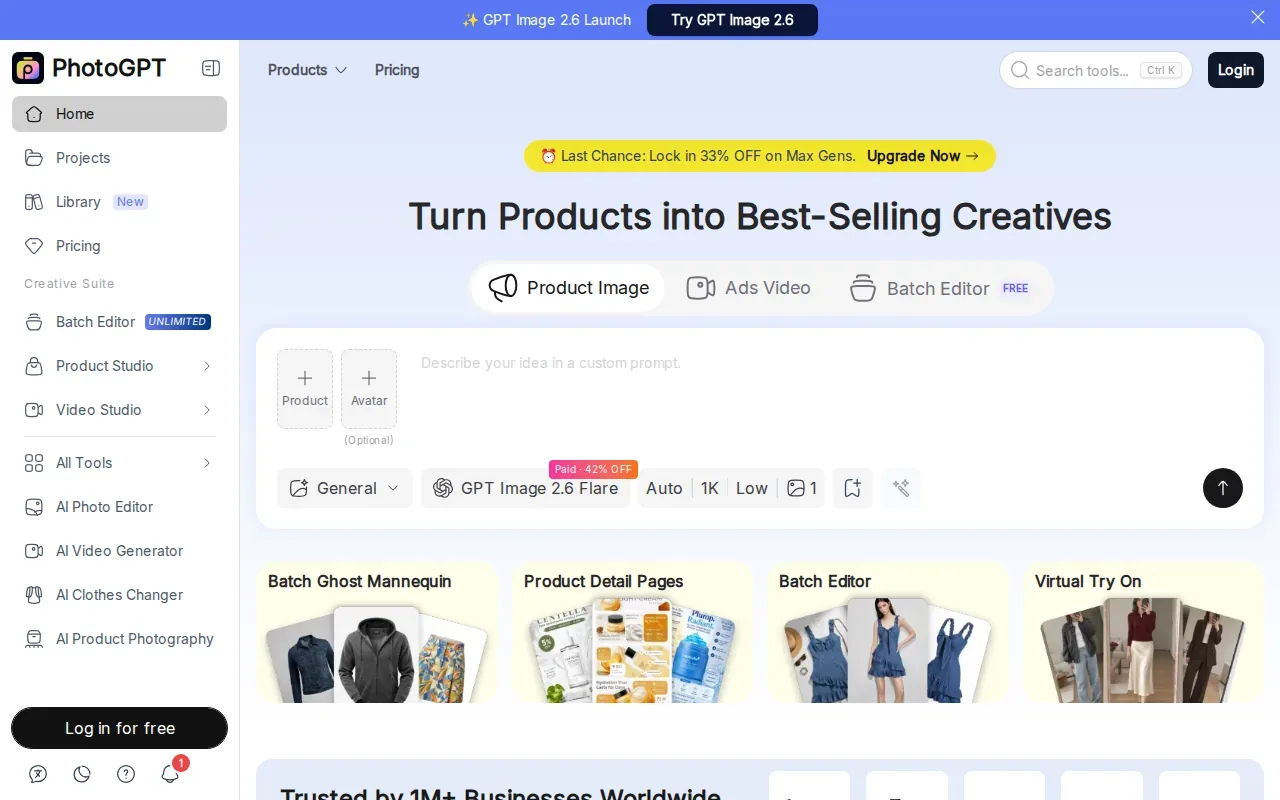
PhotoGPT is a fit for short-form creators who need a quick product demo without editing. Its AI Video Generator returns a short clip ready for TikTok, Reels, product pages, or YouTube Shorts. For a campaign, clarify the product, message, and intended destination before choosing the clip’s role in your creative plan.
Consider whether the campaign needs a quick product-focused asset or a sequence of scenes with a recurring character and detailed edits. Those requirements affect model selection and how you plan production. Use Visuall AI’s visual workflow canvas to plan scenes, approve frames, and assemble videos, keeping campaign assets aligned with the intended message.
PhotoGPT has a credit model, so check current credit usage before planning multiple generations for a campaign. A simple creative brief can help the team decide what to test and evaluate whether the result keeps the product recognizable and fits the intended placement.
5. InVideo AI
InVideo AI takes a script-first approach. Paste a script or idea, and it assembles a full video using stock footage, voiceover, and subtitles. It’s best for creators who want to automate more of the production, especially for longer YouTube videos.
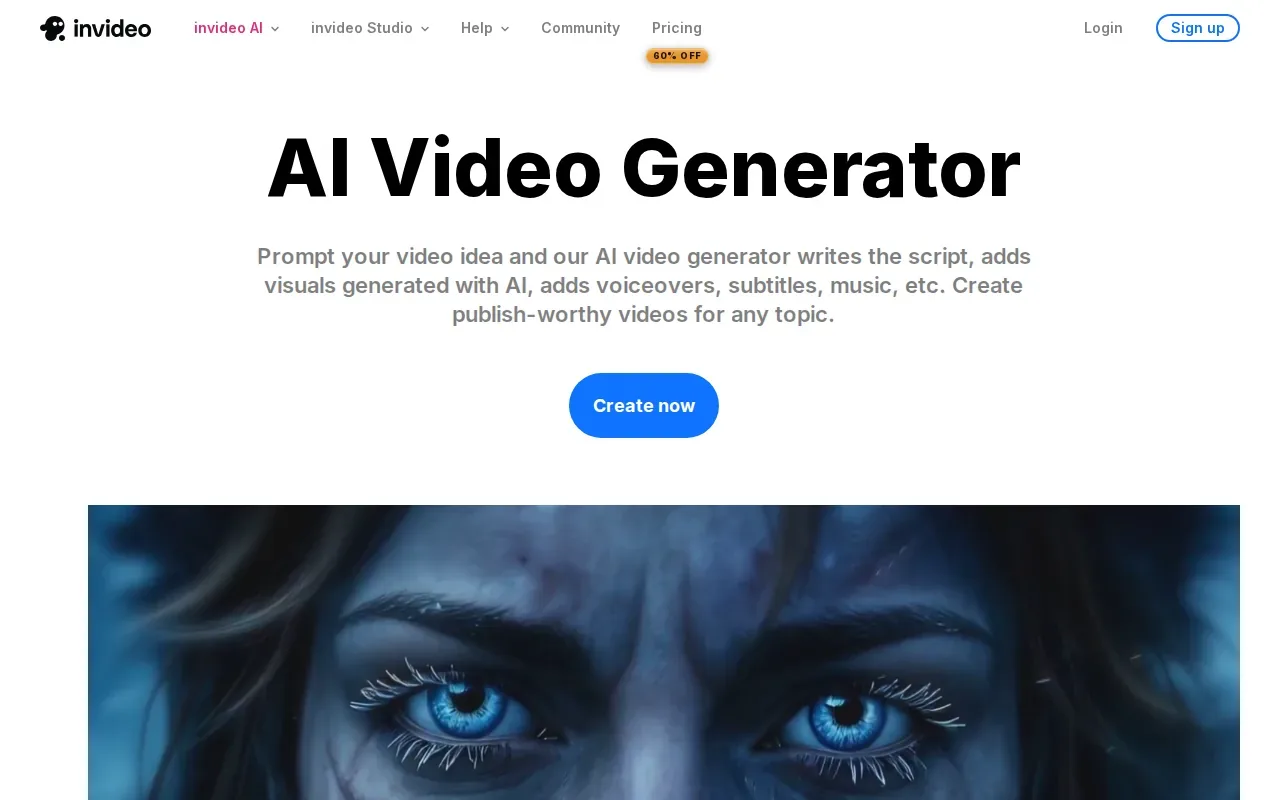
For a Short, start with a tight script that states the point early. InVideo AI can turn that input into an assembled video, which is useful when you need a first draft quickly. You can focus on the hook and message before spending time on individual cuts.
This is a different kind of control from Visuall AI’s visual workflow canvas. InVideo AI brings the script and footage into a finished sequence, while Visuall AI’s canvas helps plan scenes, approve frames, and assemble videos. If the product must look the same across several scenes, choose a workflow that lets you check those scenes before they’re locked into the edit.
Check InVideo AI’s current plans and how many exports your publishing schedule needs before you choose one. A single test video is enough to see whether its script-to-video style fits your channel.
Creators who want to generate through different assistant interfaces can also review the Visuall MCP server connection options. For InVideo AI, choose it when you value a fast assembled draft over close control of each generated shot.
How to plan a YouTube Short with AI, shot by shot
Every tool on this list can produce something that looks like a Short. The ones that hold up across a whole channel are the ones planned before anything is generated. A few minutes of planning saves credits, keeps a character or product recognizable, and makes the opening seconds do their job.
1. Write the promise of the Short in one sentence
Before you open any generator, write what the viewer gets by the end: the reveal, the answer, the result. If you cannot say it in one sentence, the Short will drift. That sentence becomes the test for every shot that follows. A shot that does not move toward it gets cut.
2. Break the idea into four to six shots
Most Shorts are a handful of short shots, not one long clip. List them: an opening that shows the result or asks the question, two to four shots that build toward it, and a closing shot that lands the promise. Give each shot a subject, an action and a camera direction. "Close-up of the sneaker on wet pavement, slow push-in" gives a model far more to work with than "a cool sneaker shot".
On Visuall AI’s visual workflow canvas, this list becomes the scene plan: each shot is its own box, so you can see the whole Short laid out before any credits are spent. The Shorts creation workflow shows the same structure in vertical format.
3. Fix the look of your character or product first
Character drift is the most common reason an AI Short feels cheap. Decide what your recurring character or product looks like before you make any scene: one reference image, approved, that every later shot is built from. For a product, that means the real product photo. For an invented presenter, a single portrait that stays the same across the whole campaign.
Then generate a keyframe for each shot from that reference, and approve the keyframes before you animate them. Animation is the expensive step. Checking a still frame first is the cheapest way to catch a wrong face, a changed logo or a missing detail.
4. Choose the model per shot, not per Short
Different shots ask for different strengths. A product close-up needs clean detail. A wide shot with movement needs good motion. A shot with a talking presenter may need sound. Picking one model for the whole Short means accepting its weak spots in every scene. On a canvas, each shot can run on the model that suits it, and you can swap a model for one shot without touching the approved ones.
5. Assemble, caption and watch it with sound off
Put the shots in order, add captions, and keep the first two seconds busy. Some viewers scroll Shorts with the sound off, so the captions and the first image carry the hook. Watch the finished Short once without audio. If the point is not clear, change the opening shot before you change anything else.
6. Review the cost before you run
Credit-based tools charge for each generation, and reruns add up across a campaign. Look at what each step costs before you run it, rerun only the shots that need it, and keep a note of which prompts and models worked. That note turns your next Short into a template rather than a fresh start. You can compare Visuall AI’s plans and credit packs once you know how many Shorts a month you plan to make.
What YouTube expects from AI-made Shorts
A good generator does not change YouTube’s rules. Three of them matter for AI Shorts.
- Length and shape. Shorts can now run up to three minutes, as long as the video is square or vertical. YouTube’s guide to getting started with Shorts covers how to upload them from the app and from YouTube Studio.
- Copyright on longer Shorts. A Short over one minute with an active copyright claim is blocked worldwide, so check music and any third-party footage before you publish a longer one.
- Disclosure of realistic AI content. YouTube asks creators to disclose content that is made or altered with AI when it looks realistic, such as a realistic person or a real place shown doing something that did not happen. Clearly stylized or animated content does not need the label, but it is worth checking each Short against YouTube’s examples.
These rules apply whichever tool made the clips. Planning them in from the start, with the music cleared and the disclosure decided, is easier than fixing a blocked Short after it is live.
Compare the five AI video generators for YouTube Shorts
Use this table to match the production job to the tool. The best fit for a finished Short may not be the best fit for generating one shot.
| Tool | Best fit | Workflow strength | Cost detail |
|---|---|---|---|
| Visuall AI | Campaigns with scene and character control | Plan scenes, approve frames, animate selected shots | Credits per canvas box; plans and one-time packs |
| Runway | Cinematic standalone shots | Image-to-video, camera control, steady subjects within a shot | See its pricing page |
| Kapwing | Editing, repurposing, team review | Captions, resizing, collaboration, YouTube publishing | See its pricing page |
| PhotoGPT | Quick product-demo clips | Animate an image or prompt with vertical format options | See its pricing page |
| InVideo AI | Script-led video assembly | Combine stock footage, voiceover, and subtitles | See its pricing page |
For a repeat campaign, start with Visuall AI if the same character, product, or visual style needs to carry across scenes. You can review Visuall AI’s credit plans before mapping a production budget. If speed matters more than scene-level approval, test a script-led or image-led workflow first.
FAQ
Can I make YouTube Shorts with AI for free?
Some tools on this list offer limited access at no cost, and the limits change often. Check each tool’s current plans and credit usage before you build a recurring publishing schedule around it. Visuall AI runs on paid credits, with monthly plans and one-time packs.
Which AI video generator is best for consistent characters?
Visuall AI is a strong fit in this shortlist when you need a planned character across a campaign. Its visual workflow canvas helps plan scenes, approve frames, and assemble videos before animation. Runway can hold characters and objects steady within a shot, which helps with individual scenes, but still review clips before combining them.
Can an AI tool make a Short without editing?
Yes, PhotoGPT returns a short clip ready for TikTok, Reels, product pages, or YouTube Shorts, making it useful for short-form creators who need quick product demos without editing. InVideo AI can assemble a video from a script or idea. A draft still needs a human check for product details, pacing, captions, and whether the first seconds make the topic clear.
How do I make AI Shorts more likely to hold viewers?
Give the opening shot one clear job: show the result, state the question, or introduce the product. Keep each scene tied to the same promise, then cut anything that delays it. No generator can promise a viral result, so test different hooks and review how viewers respond to each finished Short.
Conclusion
Choose Visuall AI when you need control over scenes, approved frames, and character consistency for campaign Shorts. Start by drafting a few shots, then review the scene plan before you spend credits on animation.