Best AI Video Generators for Marketing: 10 Tools
The best AI video generator for marketing depends on what you need to make: a product ad, a presenter-led explainer, or a set of connected scenes. This shortlist puts Visuall AI first, then compares nine other tools by their production workflow, control, use case, and available pricing details.
Table of Contents
- Visuall AI
- HeyGen: spokesperson-led campaigns and localized video
- Pippit AI: high-volume e-commerce creative testing
- Synthesia: polished presenter videos for business
- Pictory: branded videos from scripts and text
- InVideo: quick production from prompts and templates
- Vyond: business videos with animated storytelling
- Pollo AI: model variety for paid-social creative testing
- Runway: granular control over individual shots
- Krea: a tool to assess for visual exploration and iteration
- Compare the 10 AI video generators for marketing
- Frequently asked questions about AI video generators for marketing
- Conclusion
1. Visuall AI
Visuall AI is a self-serve video and image production platform built around a visual workflow canvas. It’s a strong fit when you want to plan a video scene by scene, keep a character or visual style steady, and choose which shots to animate.
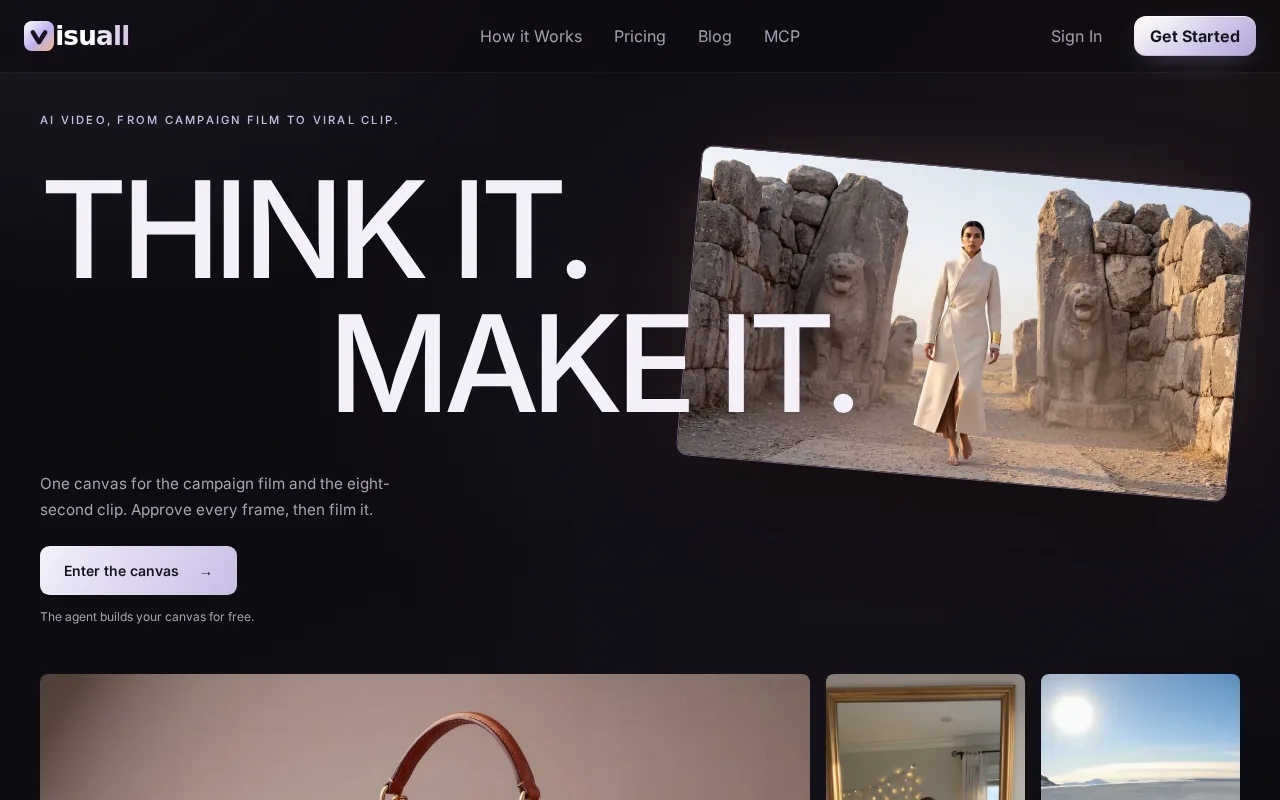
Start with a story or campaign idea. The canvas turns it into a scene plan, then lets you review keyframes before animation. Approve the frames you want. If one shot needs work, change that box and rerun it instead of rebuilding the whole video. The rest can be reused for free.
That workflow suits a product campaign with several linked shots. You might plan a close-up of the product, a scene with a person using it, and a final campaign frame. Review the images first, then animate only the shots that fit. You can also select a model for each shot rather than treating the whole video as one generation.
Credits pay for each canvas box that runs. Visuall AI has monthly plans at $9, $19, and $39, plus one-time credit packs that never expire. The canvas shows the total price before you run a box, so you can check a shot’s cost before generating it. See the Visuall AI plans and credit pricing before you map out a larger campaign.
For marketers, the useful difference is visibility: you can see the scene plan, the model choice, and the steps that produce each clip. That makes it easier to revise one scene without losing approved work elsewhere.
2. HeyGen: spokesperson-led campaigns and localized video
HeyGen is built for campaigns where a person needs to speak on screen. It suits SaaS brands, course creators, and founder-led marketing teams that want a spokesperson without arranging a new shoot for each video.
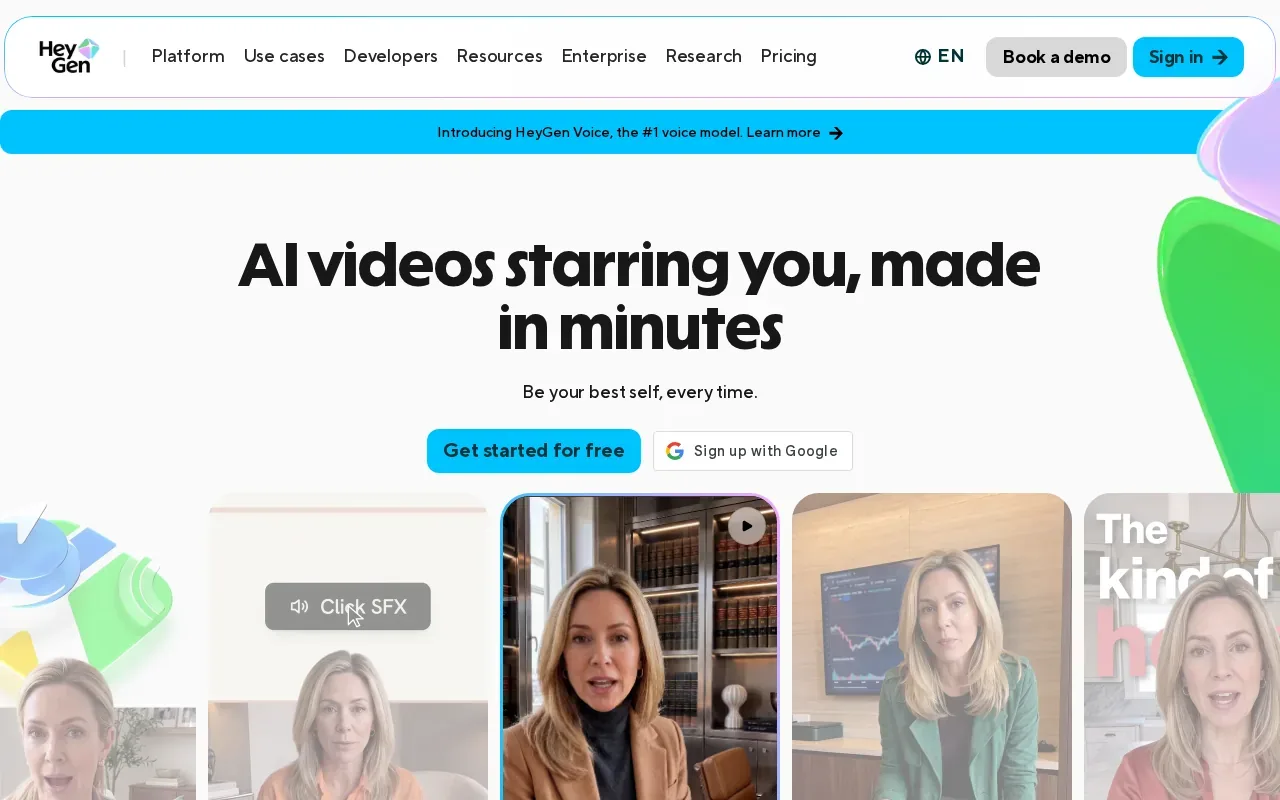
A typical workflow starts with a script or brief. Choose an avatar, voice, and visual style, then generate a presenter video. A real spokesperson, a clone, or a synthetic avatar can carry the message, depending on the campaign. That can work well for product explainers, launch updates, and short social ads where a face helps deliver the pitch.
HeyGen’s focus is the presenter and the delivery of a message. If your campaign depends on changing camera angles, product movement, or a sequence of carefully directed visual scenes, you may want a tool with more shot-level controls. Visuall AI’s visual workflow canvas supports planning scenes, approving frames, and assembling videos. If the audience needs a person to explain the offer, HeyGen is a clear option.
3. Pippit AI: high-volume e-commerce creative testing
Pippit AI focuses on e-commerce and marketing workflows. It’s aimed at sellers who need a steady flow of short product videos for TikTok Shop and paid social campaigns.
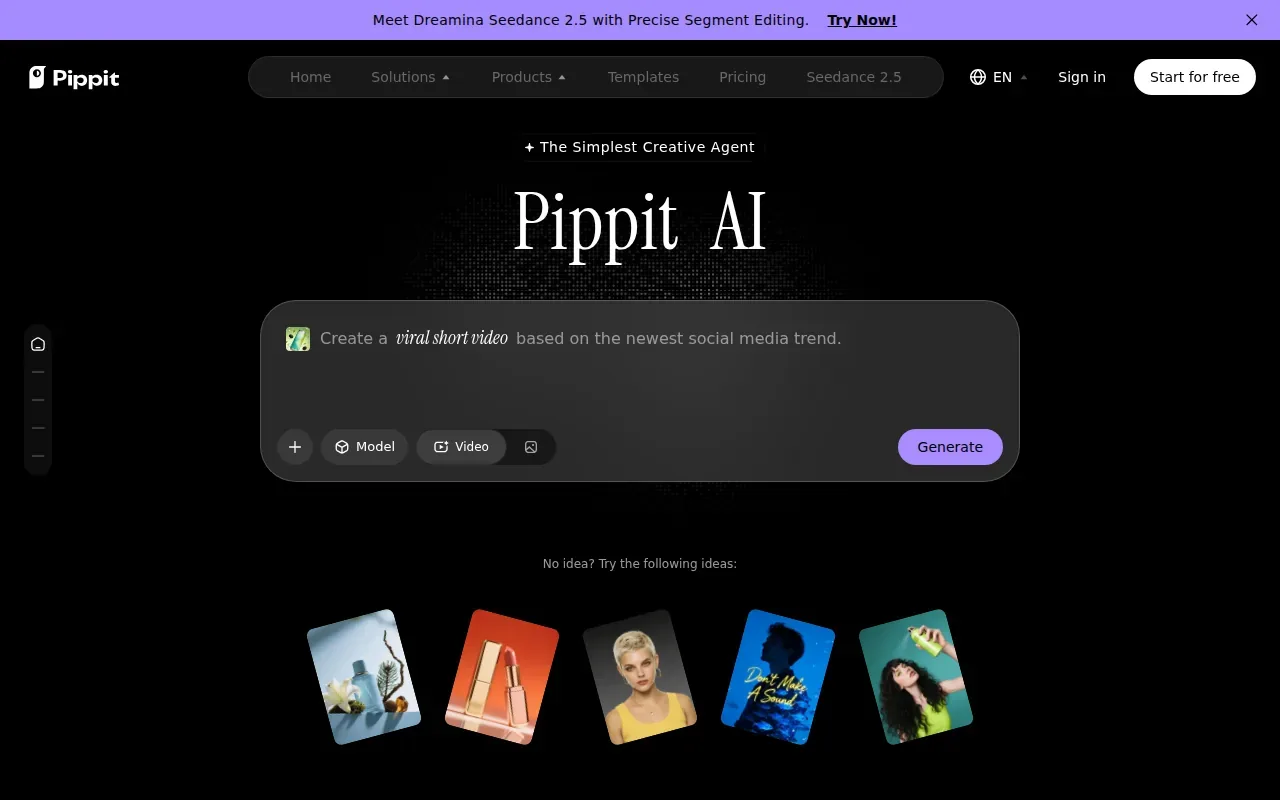
You can start with a product link, image, or uploaded asset. Pippit can draft a script, add an avatar, voice, and captions, then shape the video for a chosen length and format. For product showcase clips, an avatar can hold or model an item. That makes this workflow useful for a seller who needs to test several ways of presenting the same product.
Its marketing tools also support trend-led content planning. Pippit describes a workflow that can turn a short brief into topics, hooks, scripts, and hashtags. It can also schedule and publish content to TikTok, Instagram, and Facebook. For a campaign manager, that keeps the creative draft and social posting work close together.
The trade-off is focus. Pippit’s workflow centers on product promotion and social content, rather than a visual canvas where you approve keyframes across a film. Pick it when product-led volume is the main need. For a story with recurring characters or carefully directed scenes, compare its output with a scene-based workflow first.
4. Synthesia: polished presenter videos for business
Synthesia is designed for videos where a synthetic presenter reads a script. It fits business explainers, compliance messages, and product videos that need the same host across many clips.
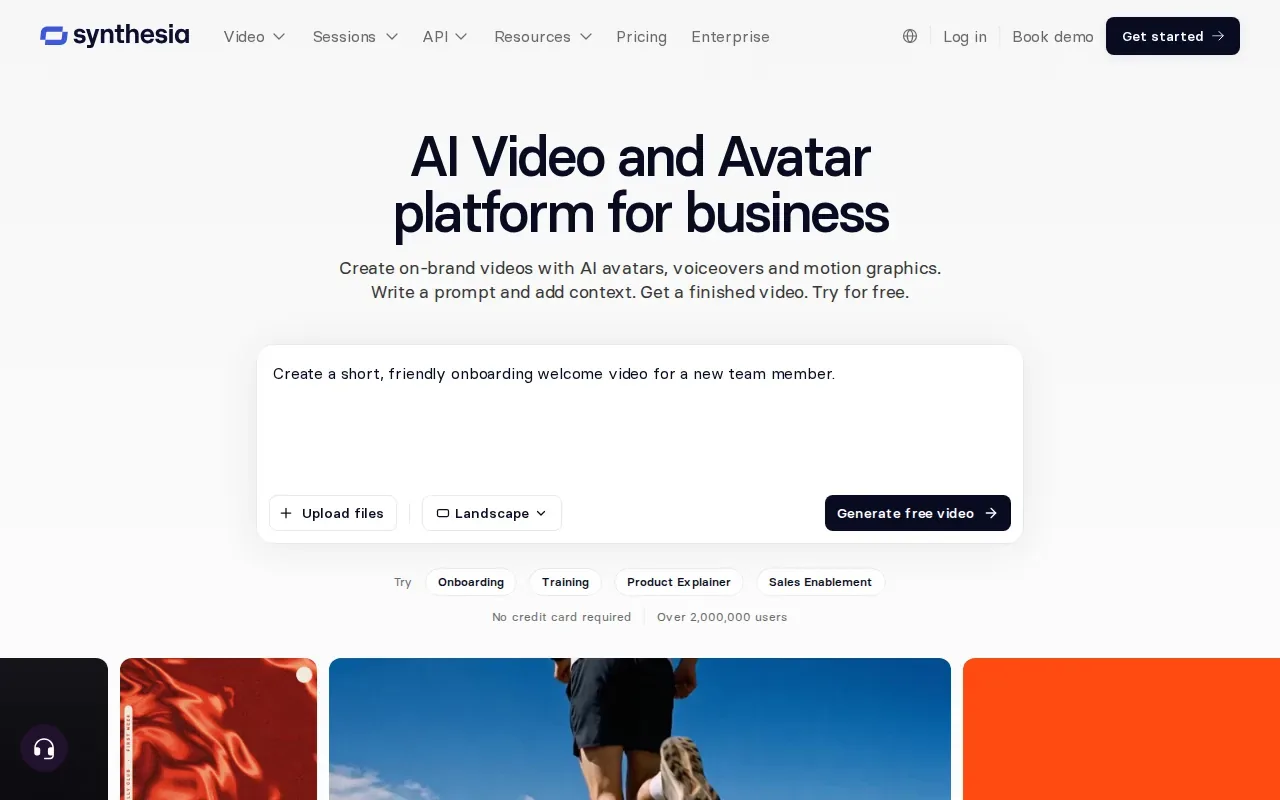
Its video agent can work from a short description or reference material such as a document or presentation. It drafts a script, lays out scenes, and adds voiceover and music. You can then ask for changes, such as a shorter opening or a different voice. Teams that need a recurring host can use a consistent presenter across multiple videos.
Synthesia lists API access, which can matter when video production needs to connect to a larger business workflow. Its main strength is structured communication, not a sequence of custom cinematic shots. That’s a useful distinction for a marketing team: an onboarding explainer has different needs from a product ad built around motion and visual detail.
Use Synthesia when the script and speaker carry the message. Before choosing a plan, estimate how many finished minutes your team needs and how often you’ll revise them. That output count is more useful than comparing avatar options alone.
5. Pictory: branded videos from scripts and text
Pictory turns written material and other source content into videos with scenes, voice, and captions. It’s a fit for creators and businesses that need branded clips from a script, article, deck, or brief.
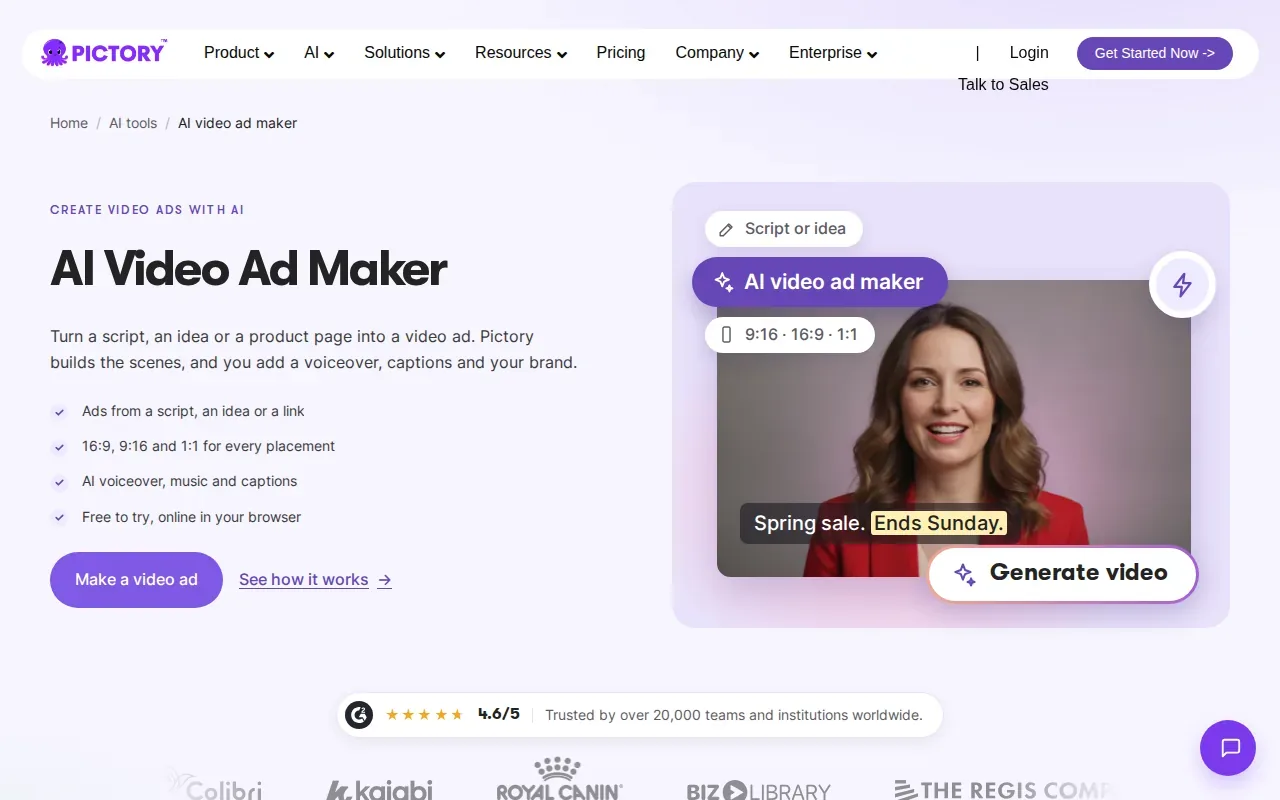
Start with a topic, script, web page, document, slide deck, audio file, or image. Review the proposed script and scenes before generating the final video. Then refine the result through chat or the editor. For a marketer with an existing product page or campaign brief, that means the source material can become a first draft instead of starting with an empty timeline.
Pictory’s tools also support voiceovers, captions, brand kits, and common social aspect ratios. Reference images can help keep a person or product visually aligned across scenes. If you already have a long video, you can edit its transcript, shorten it, or pull out clips.
Pictory’s plans are priced by the number of videos each month. Check the current plan details against your expected video volume before committing. Pictory is a sensible pick when the source is mostly text or existing content; a team seeking more direct control over each generated shot may prefer a canvas workflow.
6. InVideo: quick production from prompts and templates
InVideo is a prompt-led video tool with a timeline editor. It suits teams that want to turn an idea into an assembled video, then change scenes or voiceover with text commands.
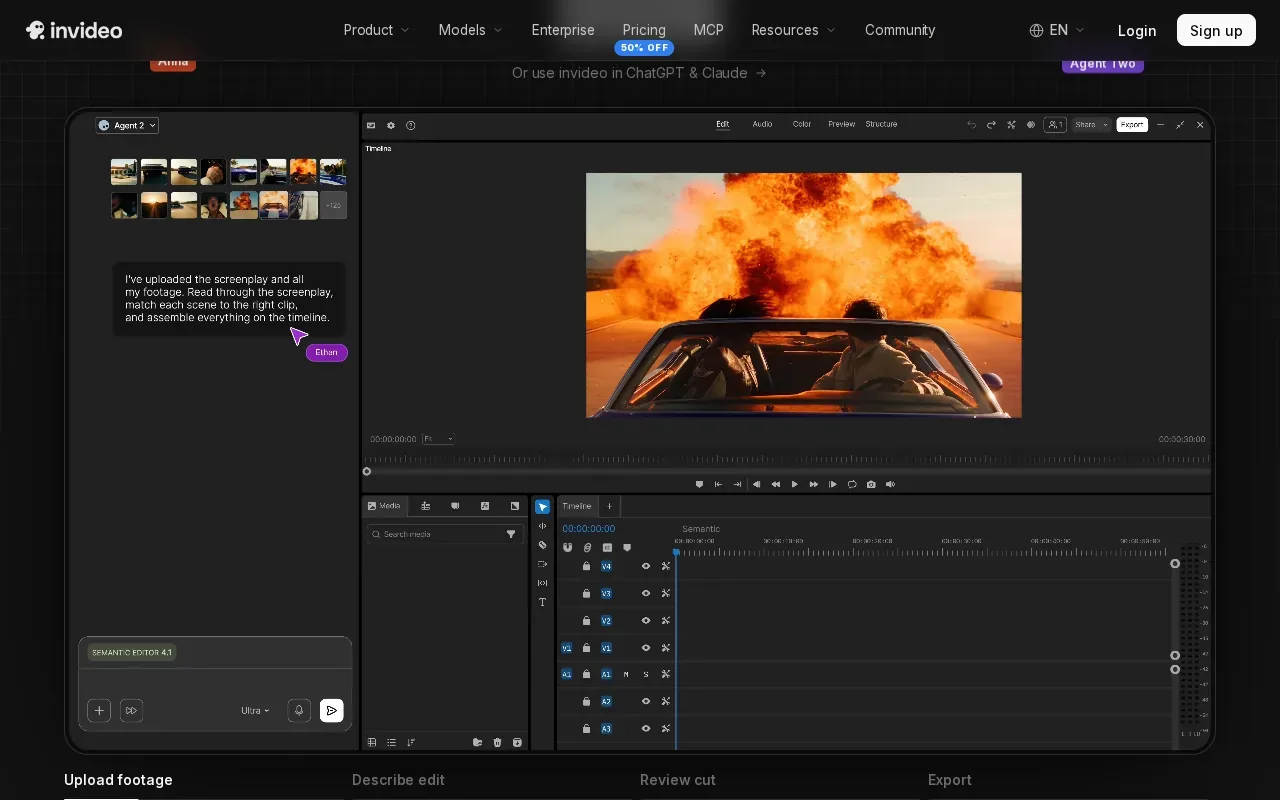
Describe the video and set details such as length, platform, and voice style. InVideo can write a script, select visuals, add a voiceover, and assemble the result. Its editing box accepts requests such as deleting a scene or changing the accent. That can be handy when a social team needs a fast first cut and expects to make revisions before export.
The service can generate or find footage, add voiceover, and assemble a video, with edits made on a timeline. Visuall AI takes a different approach: it uses a visual workflow canvas to plan scenes, approve frames, and assemble videos. That distinction matters when deciding whether your team values an assembled draft or control over individual scenes.
InVideo’s plans are priced by the number of video exports each month. Choose InVideo if you want prompt-to-video assembly and timeline editing. Choose a scene-first tool when the key task is to approve and revise generated shots one at a time.
7. Vyond: business videos with animated storytelling
Vyond is a business video platform for script-led animation, avatar hosts, and mixed-media explainers. It can suit marketers who want an illustrated look or need a video that explains a process.
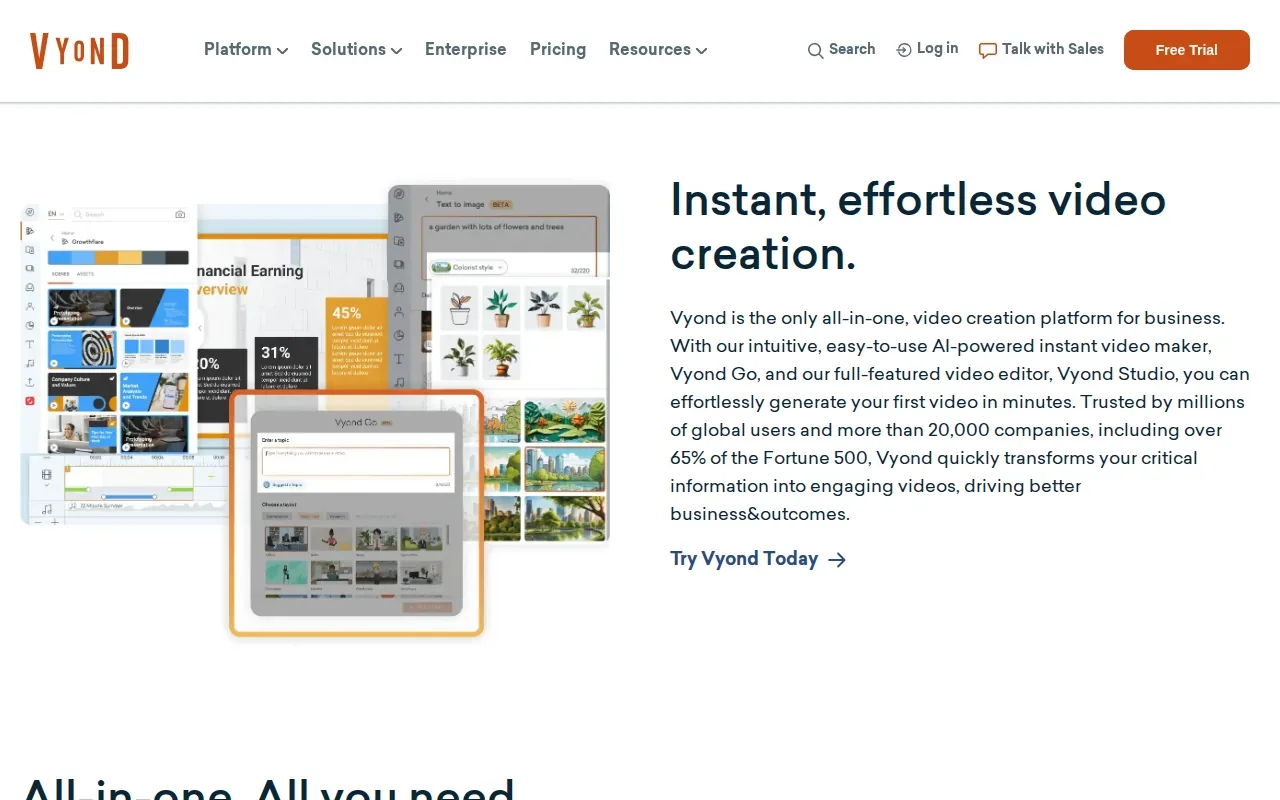
A script-first workflow can help shape a draft, with editing tools available to refine it. The video may use animated narrators, AI avatar hosts, stock assets, or motion graphics. For a product message that changes, a script-based workflow can make updates easier.
That script-first approach can work for a short explainer about how a service works. It can also help a sales team turn a repeatable talk track into a visual asset. Vyond sells its plans with monthly credit allowances, so check its current pricing page against the number of videos you plan to make.
Vyond’s key choice is visual style. It’s a fit when animated storytelling supports the message. If your ad depends on realistic product footage or a consistent character moving through generated scenes, test those shots before building a larger campaign around the tool. Visuall AI’s visual workflow canvas supports planning scenes, approving frames, and assembling videos.
8. Pollo AI: model variety for paid-social creative testing
Pollo AI brings multiple video models and creative tools into one service. It may fit performance marketers who want to test different visual directions without managing separate model subscriptions.
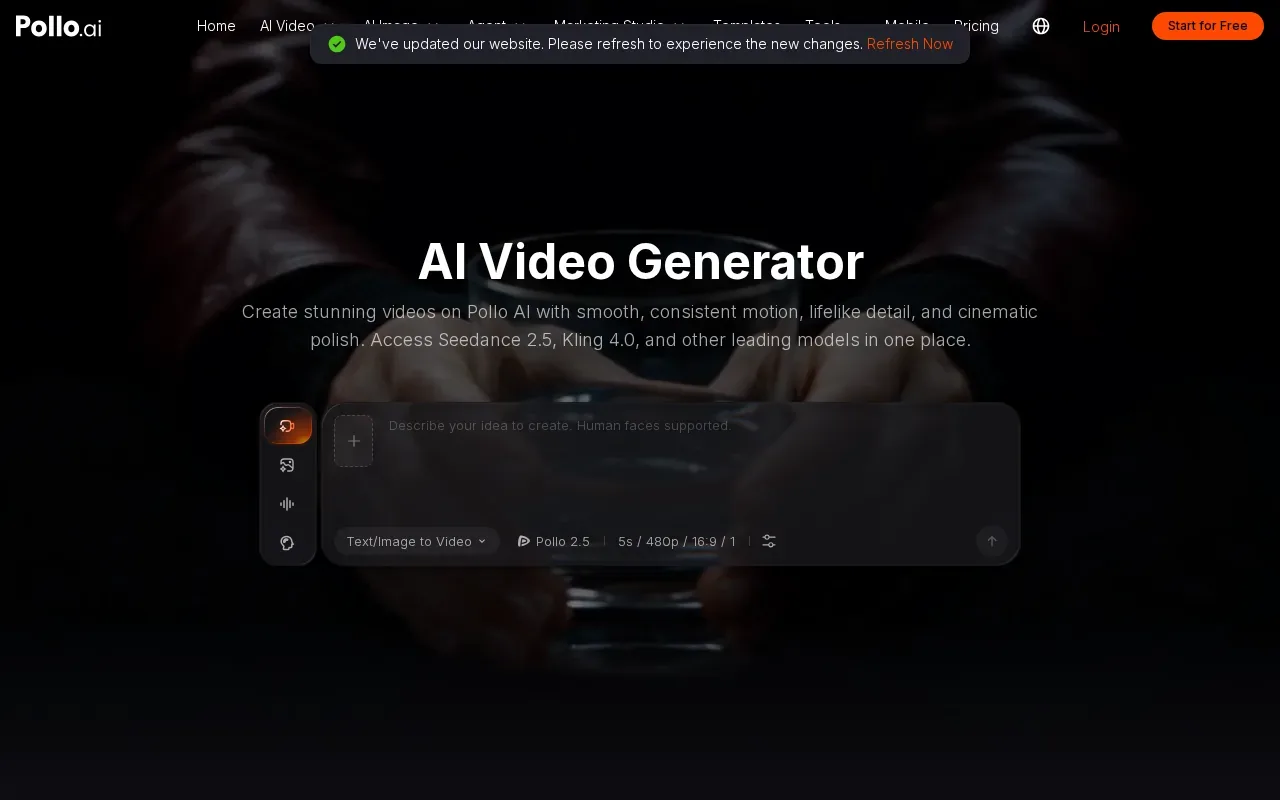
The available workflows include text-to-video and image-to-video. You can describe a shot or upload an image, then choose a model and set the output details. Pollo AI also describes reference-led video generation, which can help preserve key details as a subject or camera angle changes. That may be useful when a product or character needs to stay recognizable across a short ad sequence.
For paid social, the usable question is how quickly you can test a different hook or visual style. A model collection can help when the team wants to compare outputs. But each new generation still needs review against the brand’s product details and campaign brief. A model option alone doesn’t guarantee the same result across every shot.
Pollo AI’s current feature set also includes story videos, avatars, and tools for editing clips. Check the specific model and settings you plan to use before you estimate credits or production time. This is a useful pick for model exploration; Visuall AI is a stronger fit when you want a visible scene plan and approvals built into the workflow.
9. Runway: granular control over individual shots
Runway is a generative video and editing platform for creators who need to direct and revise individual shots. It fits agencies and marketing teams where the visual details of a client deliverable need close review.
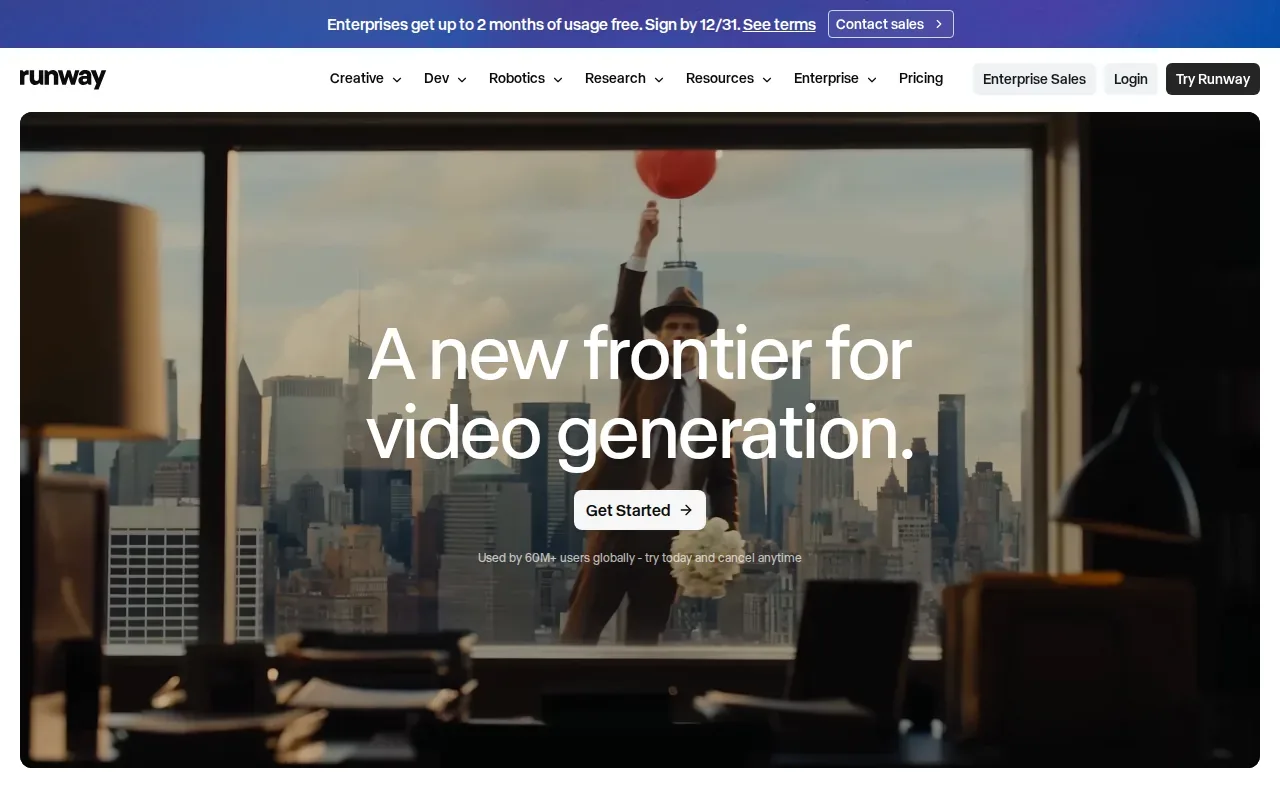
Runway supports video generation from text, images, video, or audio. Its tools can change lighting, restyle a shot, or add and remove elements through prompts. You can also edit a frame and apply the change to the rest of a video. That kind of control can help when a campaign has a specific visual direction and the team needs to adjust a shot after review.
Runway sells monthly plans with credit allowances. Those are credit allowances, not fixed numbers of videos. The cost of a usable campaign asset depends on the model, clip length, and how many generations the team keeps.
Runway makes sense when creative control is the priority. For a fixed monthly budget, test a representative shot before estimating how many finished clips the credits will cover.
10. Krea: a tool to assess for visual exploration and iteration
Krea is a creative workspace with image and video models, reference tools, and options for chaining models into workflows. It can suit marketers who want to explore several visual directions before settling on a campaign look.
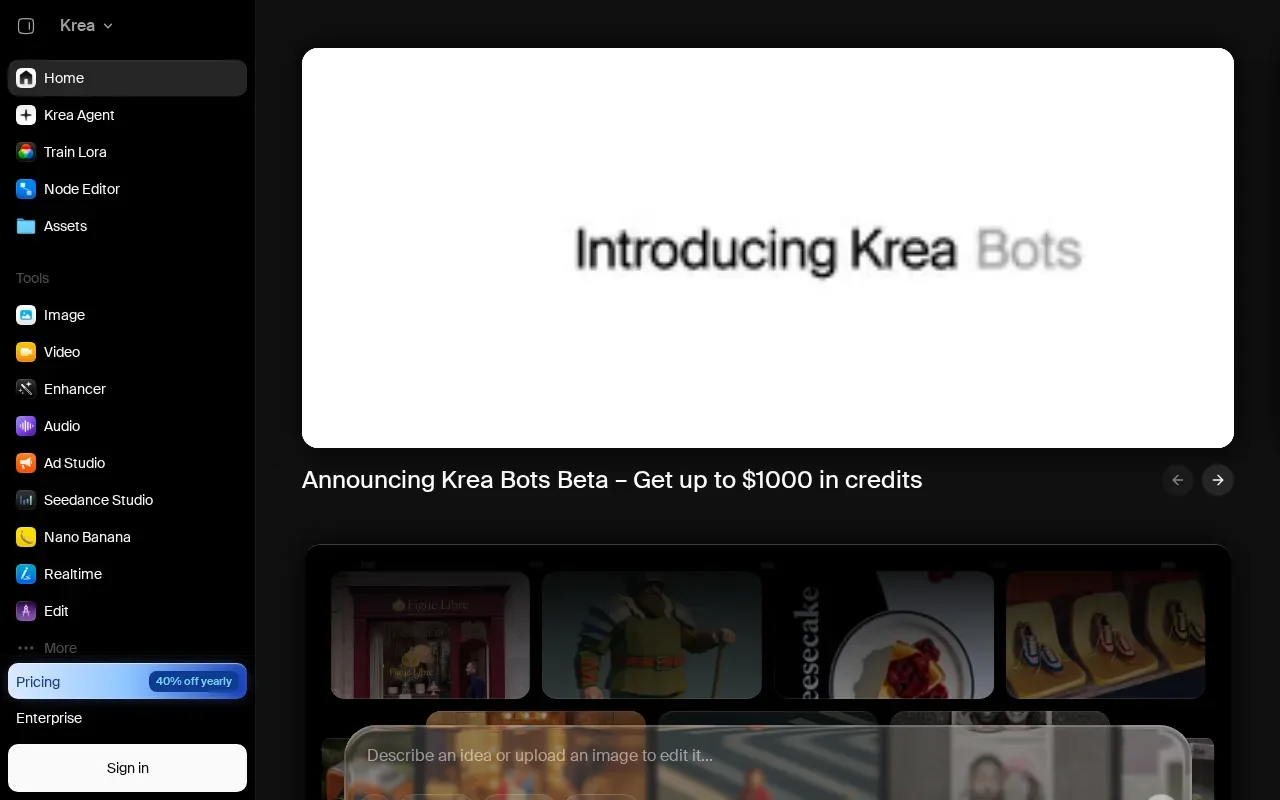
For video, Krea’s tools include prompt-led generation and image-to-video. Start and end images can guide the clip when supported. Reference frames can also help direct composition, camera intent, or style across iterations.
That makes Krea useful during concept work. A creative team could test a few motion and style directions for a social ad, then decide which one deserves more time. Paid plans include a monthly allowance of units across several tiers. The right tier depends on how often you generate and which model you use.
Confirm that your chosen plan and the assets you upload fit your campaign needs. If you want a visual workflow canvas for planning scenes, approving frames, and assembling videos, compare that workflow with Visuall AI before you choose.
Compare the 10 AI video generators for marketing
These tools solve different production jobs. Use the table to narrow the shortlist by the work your team needs to finish, then check the relevant plan before estimating a campaign budget.
| Tool | Strongest fit | How you shape the video | How it charges |
|---|---|---|---|
| Visuall AI | Scene-based ads and consistent visual stories | Visual canvas, keyframe review, rerun changed boxes | $9, $19, and $39 monthly plans; one-time packs |
| HeyGen | Spokesperson-led and localized campaigns | Script, avatar, voice, and translation workflow | See its pricing page |
| Pippit AI | Product videos for e-commerce social campaigns | Product asset or link, model, avatar, captions | See its pricing page |
| Synthesia | Business explainers with a recurring presenter | Brief or source material, then agent-led refinement | See its pricing page |
| Pictory | Branded videos from text and existing content | Review script and scenes, then refine | Monthly plans by video count |
| InVideo | Prompt-led video assembly and timeline editing | Prompt, generated draft, text commands, timeline | Monthly plans by export count |
| Vyond | Animated business explainers | Script to draft, then refine | Monthly credit allowances |
| Pollo AI | Testing multiple model-led visual directions | Choose a model, prompt or image, then generate | See its pricing page |
| Runway | Directed generation and shot-level edits | Prompt edits, frame edits, model workflows | Monthly credit allowances |
| Krea | Visual exploration and prompt iteration | Models, references, and chained workflows | Monthly unit tiers |
Use a short test project to score each tool on the parts that affect your campaign: how well it follows the brief, how much control you have over scenes, and how its credits map to finished assets. Don’t compare a presenter video with a text-to-video clip as if they were the same output.
If your team’s main risk is visual drift between shots, start by testing Visuall AI’s canvas. You can see the scene plan, review keyframes, check a box’s cost before running it, and assemble approved scenes into videos. For a broader look at AI video creation and assembly, see our page on the best ai video generator for marketing.
Frequently asked questions about AI video generators for marketing
Which AI video generator is best for marketing?
Visuall AI is a strong choice when you need to plan scenes, approve keyframes, and revise individual shots. Other tools fit more specific jobs: HeyGen and Synthesia focus on presenters, while Pippit AI centers on e-commerce content. Start with the format you need, then test how much control the tool gives you over the finished video.
Can AI video tools keep a character consistent across scenes?
Some tools describe features that help preserve a person or character across scenes, but the workflow differs. Visuall AI lets you review keyframes before animation, while Pictory and Pollo AI describe reference-led approaches. Test your own character across several shots before using it in a campaign that depends on a consistent brand face.
How do AI video generator credits work?
Credits usually pay for generation activity, but the cost can depend on the tool, model, clip length, or settings. Visuall AI charges credits for each canvas box and shows the total before you run it. Runway also uses monthly credits. Estimate costs with a representative shot, since one credit balance doesn’t equal a fixed number of finished videos.
Which tool is best for product videos?
Pippit AI is aimed at e-commerce sellers making product-focused social videos. Visuall AI can suit a product campaign that needs planned scenes and individual shot review. Pictory can turn a product page or brief into a video draft. Choose based on whether you need fast product promotion, text-led assembly, or control over each generated scene.
Can I use AI-generated marketing videos in paid campaigns?
Some tools describe commercial use as part of their plans, but you should check the terms for the exact service and plan you use. Also confirm that you have rights to any images, footage, voices, or other assets you upload. Review the finished video for product accuracy and brand details before publishing it as an ad. In the US, the Copyright Office’s reports on copyright and artificial intelligence explain when AI-assisted work can be protected, and YouTube asks creators to disclose realistic altered or synthetic content in their uploads.
Conclusion
For campaign work where scene control and visual continuity matter, start with Visuall AI. Build a small test video, approve the keyframes, and check the canvas cost before expanding to a full campaign. Review Visuall AI pricing and try the workflow with one real marketing brief.